
If you use Ringover as your telephone system, you will need the Ringover API key and the Ringover user ID
Fetch Ringover User ID:
Step 1 - Go to your Ringover Dashboard
Step 2 - Click on the left navigation and click "Users"
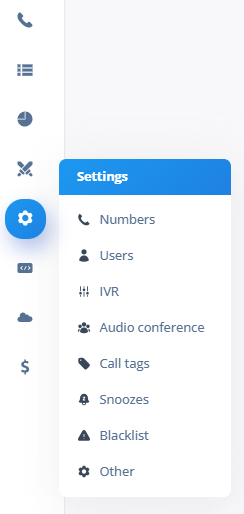
Step 3 - Search for the user
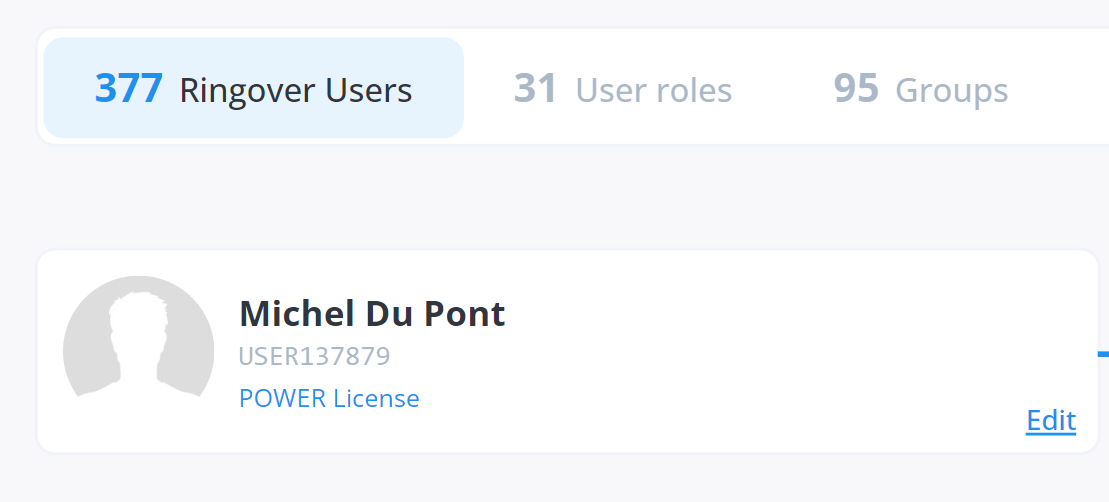
Step 4 - Copy the User number - in this case 137879 (This is your Ringover User ID)
Fetch Ringover API Key:
Step 1 - Go to your Ringover Dashboard
Step 2 - Click on the left navigation and click "API"
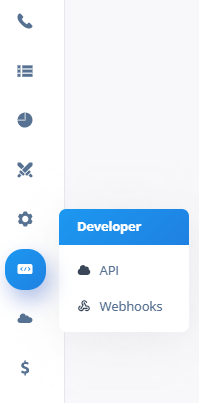
Step 3 - Click "Create a new API", and search for the name. Add the label "Cadence"
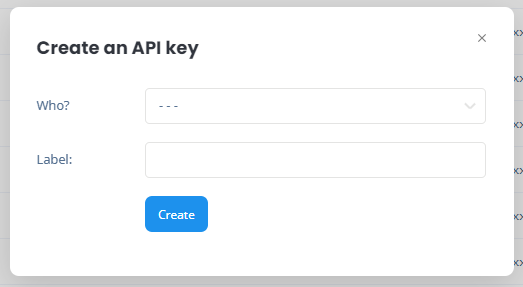
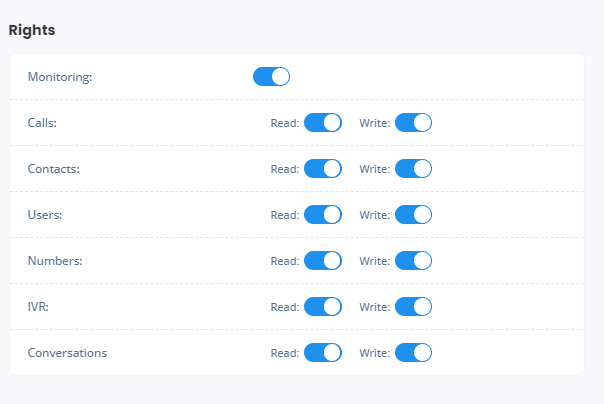
Step 4 - Enable all the rights. This is important for syncing data with Ringover and Cadence
Step 5 - Copy the API Key