Help Scout lets you manage all your customer conversations in one unique platform. Thanks to Help Scout's assistance software, customers can reap the benefits of having a shared mailbox, Live Chat, Reporting, a connected customer database and other collaborative tools. With Ringover’s Help Scout integration you will be able to:
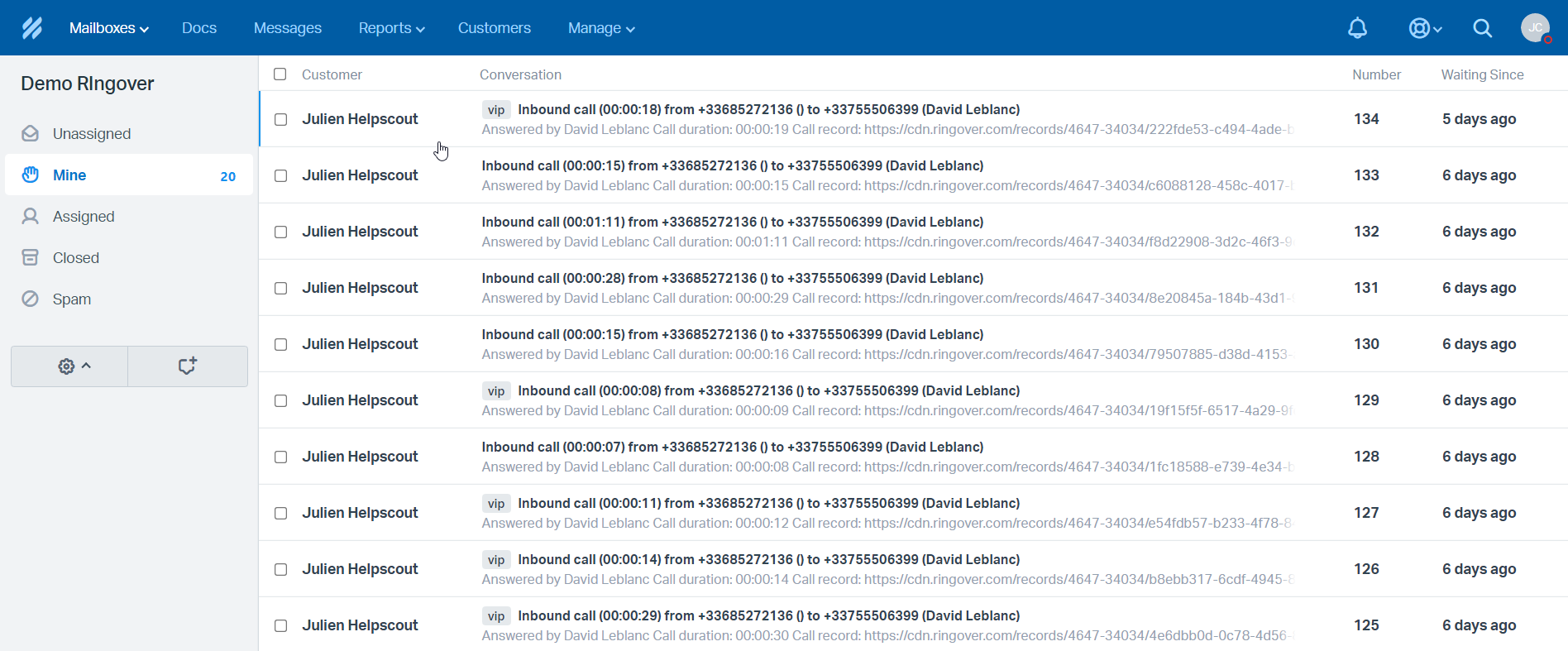
Easily find your previous calls and SMS logged into Help Scout
Tag calls in Ringover and find the tagged call in Help Scout
Benefit from no longer copying and pasting numbers into a dialer with Ringover’s Click2Call feature
Know exactly who is calling, and quickly access contact information with our contact synchronization feature
Prerequisites:
You must have a Ringover Business or Advanced account to benefit from this integration 💳
The integration must be performed by an administrative or technical account in Ringover 👨💼
The integration needs to be installed by a Help Scout administrator account
Step 1: Activation
💻To link your Help Scout account to your Ringover account, go to Store > Integration,
Search for and click on "Help Scout".
- Click on "Activate":
and then authorize the permissions.
Step 2: Configuration in Ringover
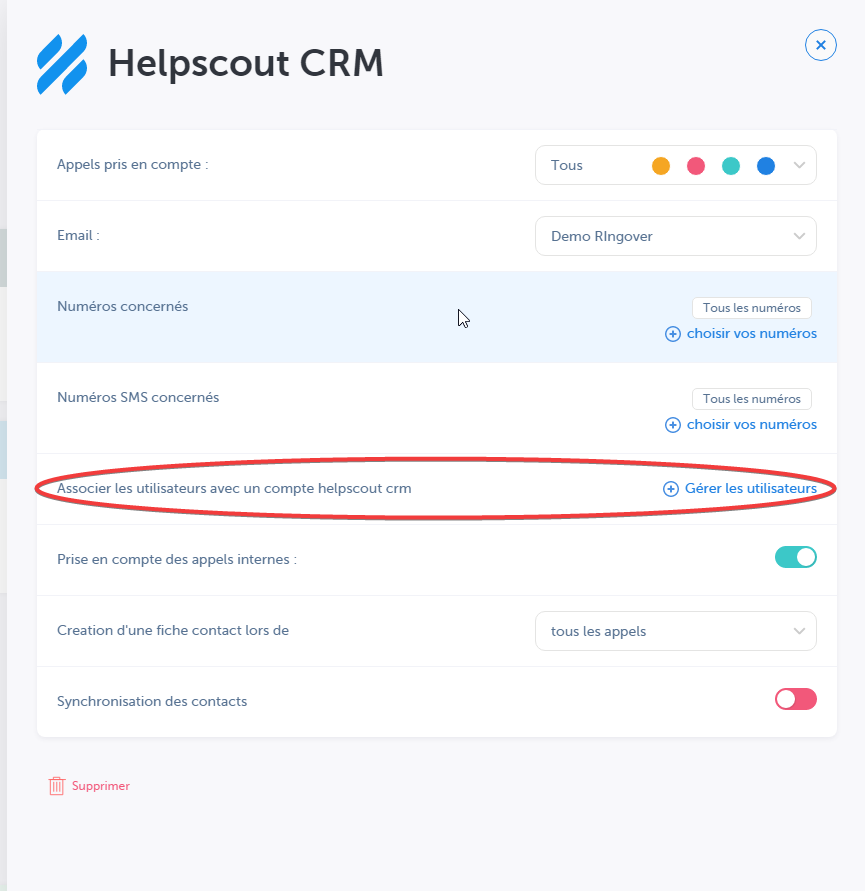
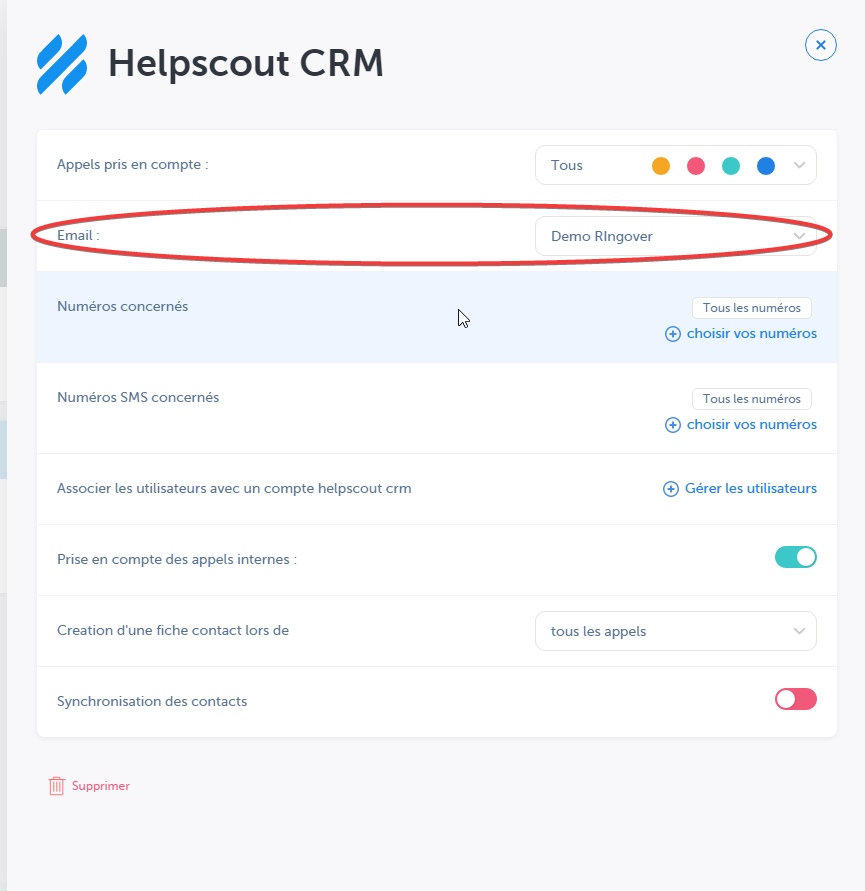
Customize the behavior of the integration based on your requirements through the settings. To do this, go back to Store> Integration and click on 'Configure' next to Help Scout.
For more information on the configuration, check out our dedicated section "How to configure your tool?"