How does the integration work?
With the Ringover Talk and Zoho integration, your contacts are automatically synced and will appear on the dialer during incoming calls. You’ll instantly see the contact’s first name, last name, company, and a direct link to their Zoho profile.
These details also appear in your call log for each inbound and outbound call.
Note : Your Zoho contacts will not appear in the “Contacts” tab of your Ringover Talk space. This does not mean the integration was unsuccessful.
How to set up the integration
-
To connect your Zoho account to your Ringover Talk account, go to the Integration section of your Ringover Talk account and click Activate on Zoho.
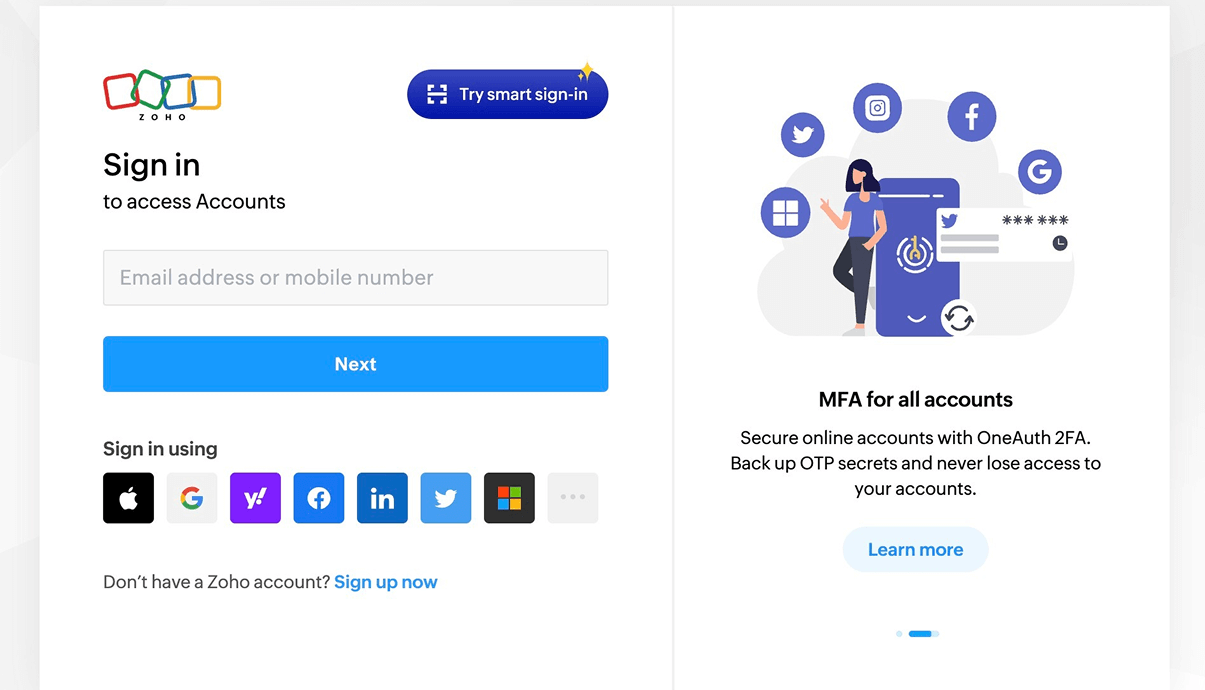
2. Enter your Zoho login credentials
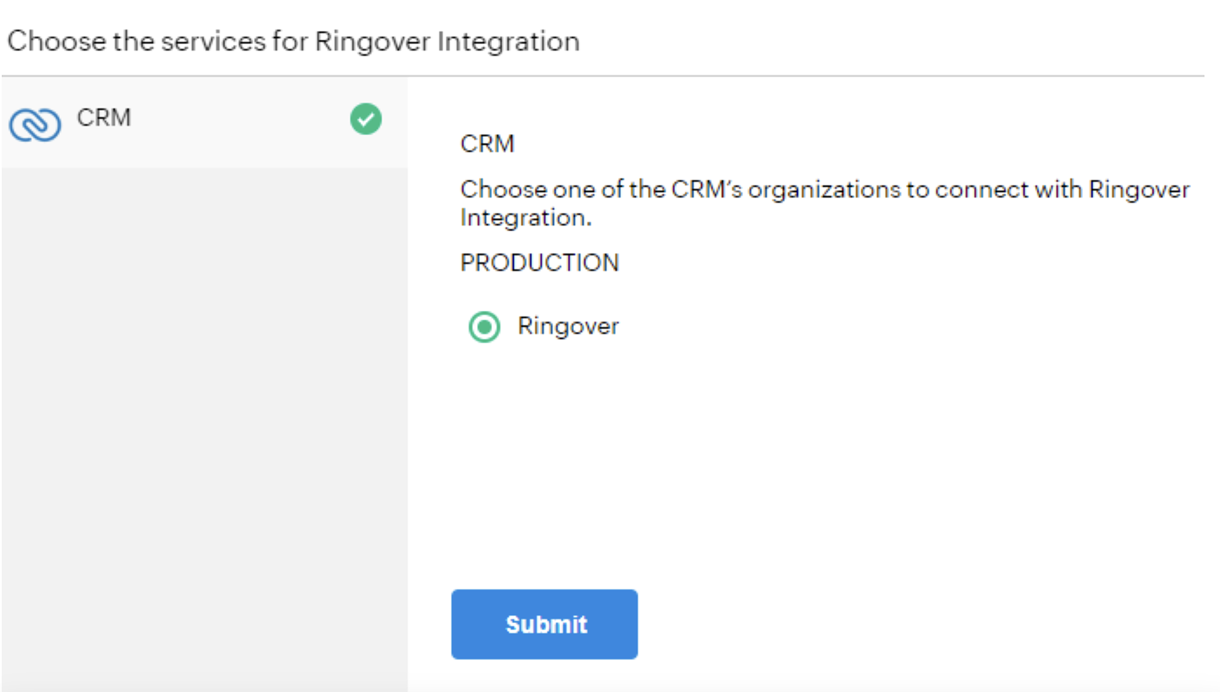
3. Select your organization if multiple options are available
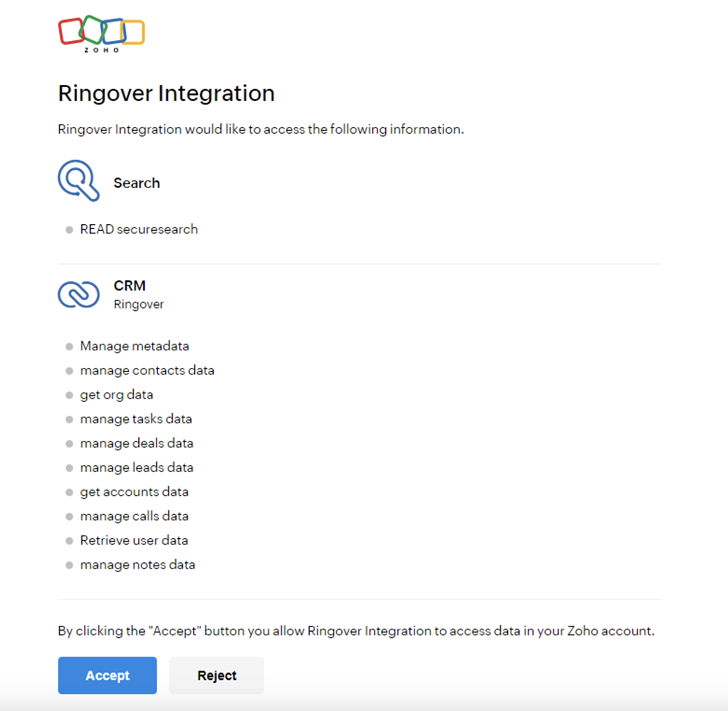
4. And finally, accept that Ringover can access your Zoho data.
That’s it — your integration is ready!