
International calling allows you to seamlessly connect with clients and partners worldwide without relying on traditional phone lines. In this guide, you’ll learn how to format your numbers and make international calls directly from your Ringover accoun
Making an international call
1. Make an international call
Open your Ringover account.
Enter your contact's number in the international format, starting with "+" or "00".
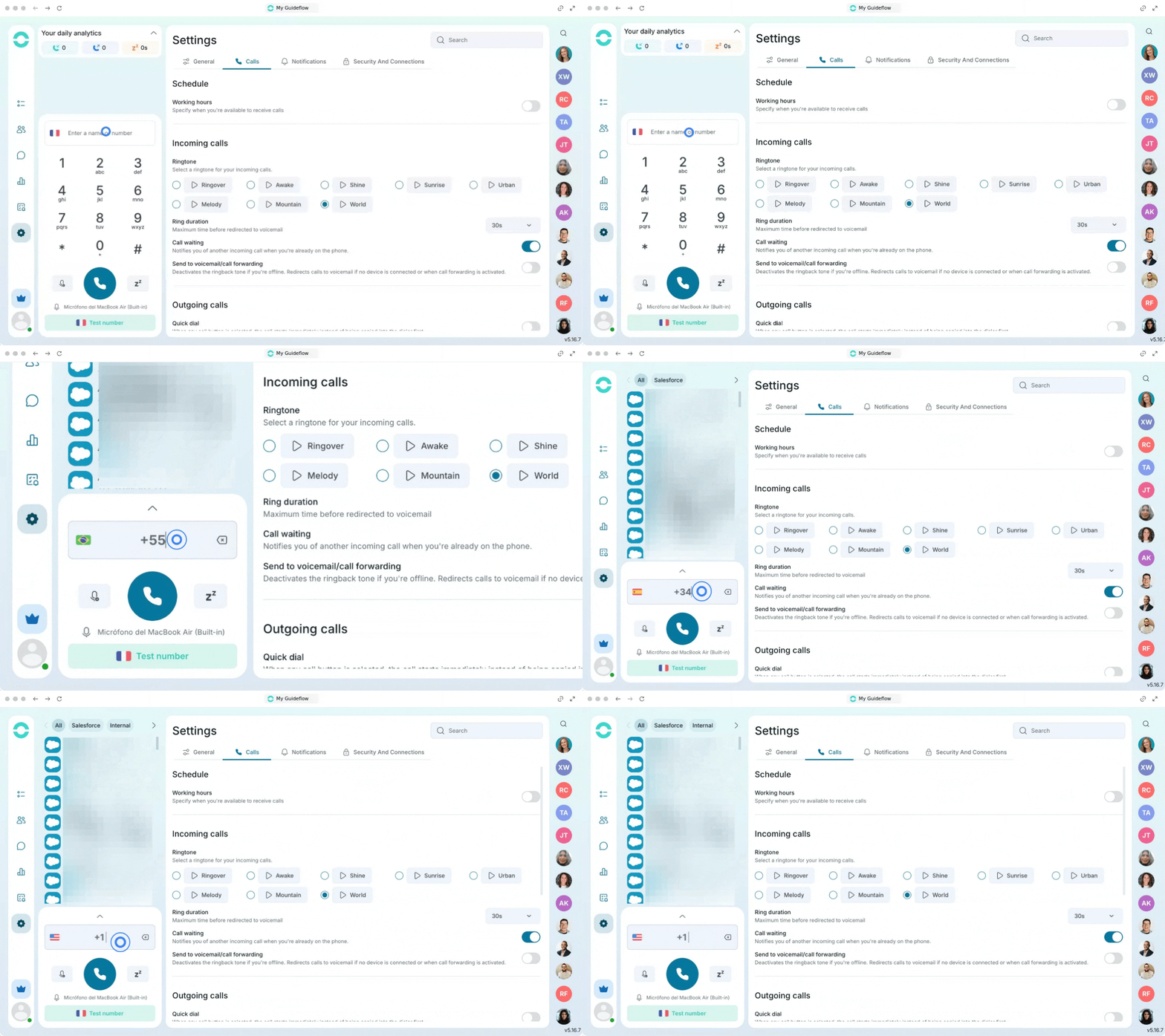
Click the call button or use Click-to-Call (👉Integrating Ringover Dialer with Google Chrome).
Review the destination to check if it is included in your plan, as out-of-plan calls will incur charges.
2. Choose your unlimited VoIP plan
Go to your billing or upgrade section.
Select the TALK plan for basic communication needs.
Select the BUSINESS plan for advanced features.
Contact support to request the ADVANCED plan for enterprise-level customization.
3. Understand your "Unlimited" benefits
It is important to know the difference between VoIP "unlimited" plans and cellular "truly unlimited" plans.
Enjoy completely free inbound calls from any location.
Make free outbound calls to the 110 destinations included in your package.
Send and receive unlimited texts from anywhere using your devices.
4. Set up your equipment
Connect your device to a stable and reliable internet connection.
Open Ringover on your smartphone, computer, or VoIP-enabled phone.
Maintain a strong connection to guarantee high-definition audio quality.