
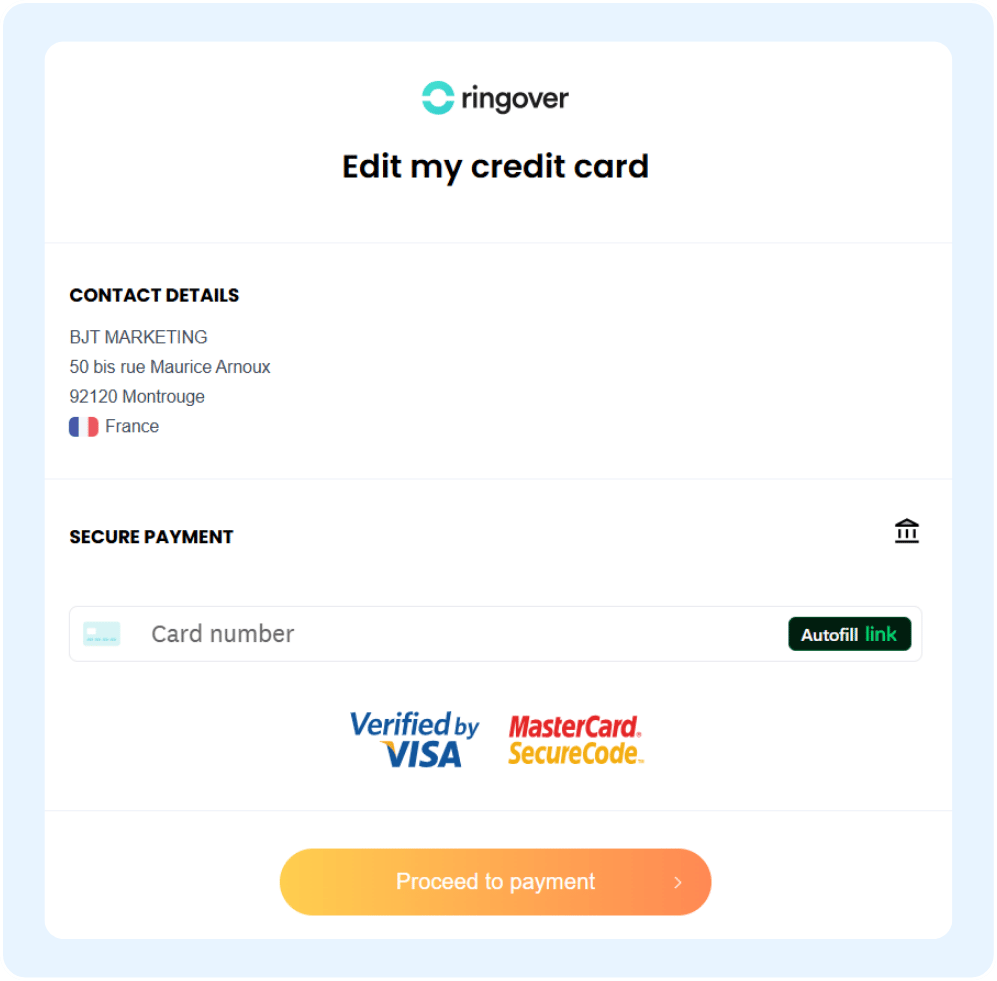
Updating your payment method allows you to securely manage your billing preferences and ensure uninterrupted service. In this guide, you’ll learn how to easily update your payment details directly from your account dashboard.
Update your method of payment
Access your billing details
Start by navigating to your account details to find your current billing information.
Go to your Dashboard.
Click on Billing.
Select the "Account Details" tab.
From this tab, you can also access your billing statements, past invoices, and payment links. If you would like to know more, please consult the article "Accessing and Understanding My Billing".
🎉 You now know how to update your payment method and can keep your billing information up to date!