
The Ringover Dialer app lets you make and receive calls directly in Odoo. This guide shows you how to download the module, install it and use the dialer.
How to install and use the Ringover Dialer app in Odoo
1. Download the app
- Go to the Ringover Dialer page in the Odoo Apps Store.
- Select the version that matches your Odoo installation, from v14 to v19.
- Download the module.
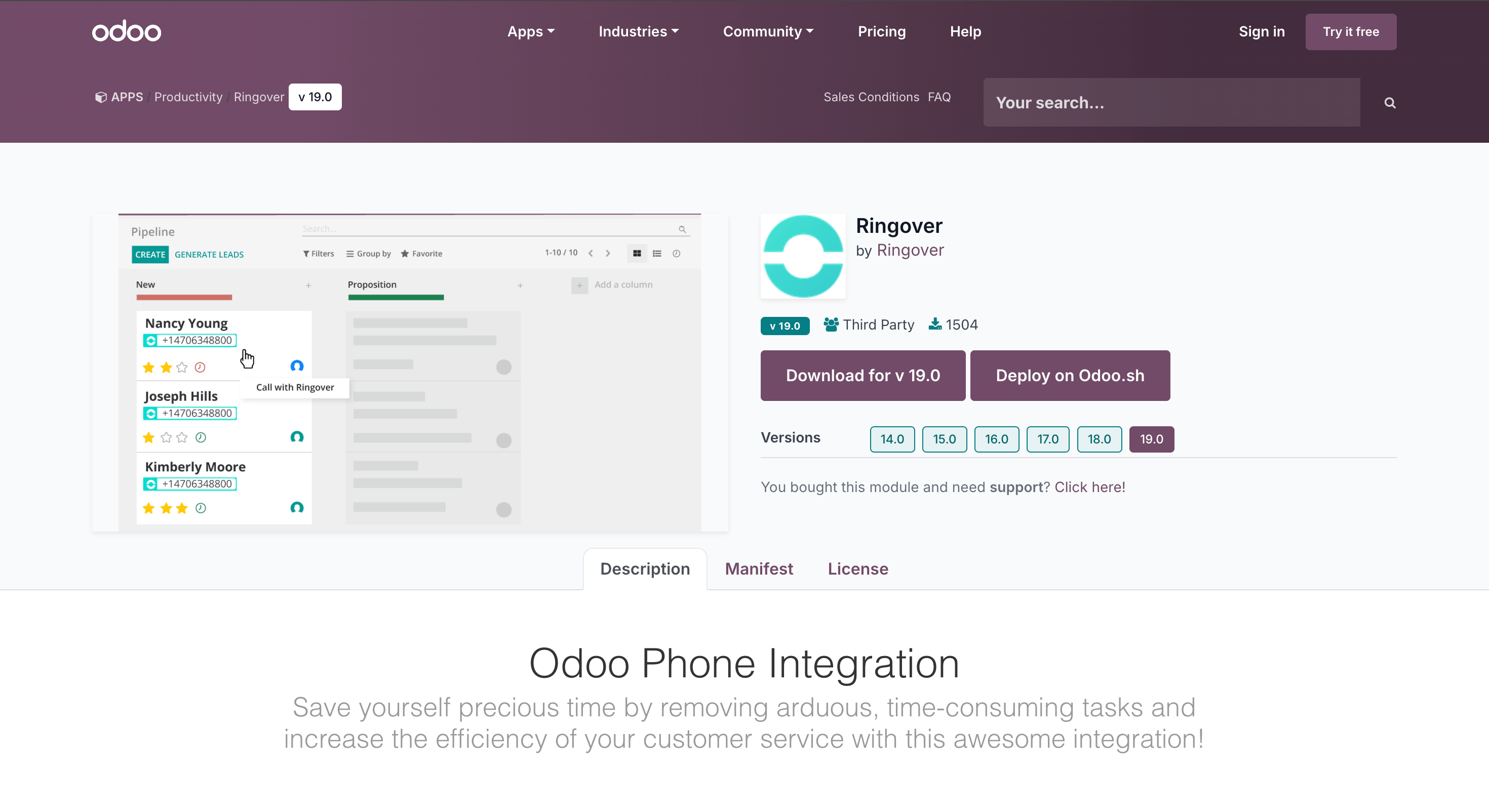
Important: The module includes custom code, which may incur maintenance charges from Odoo. Contact your Odoo representative for more information.
2. Install the app in Odoo
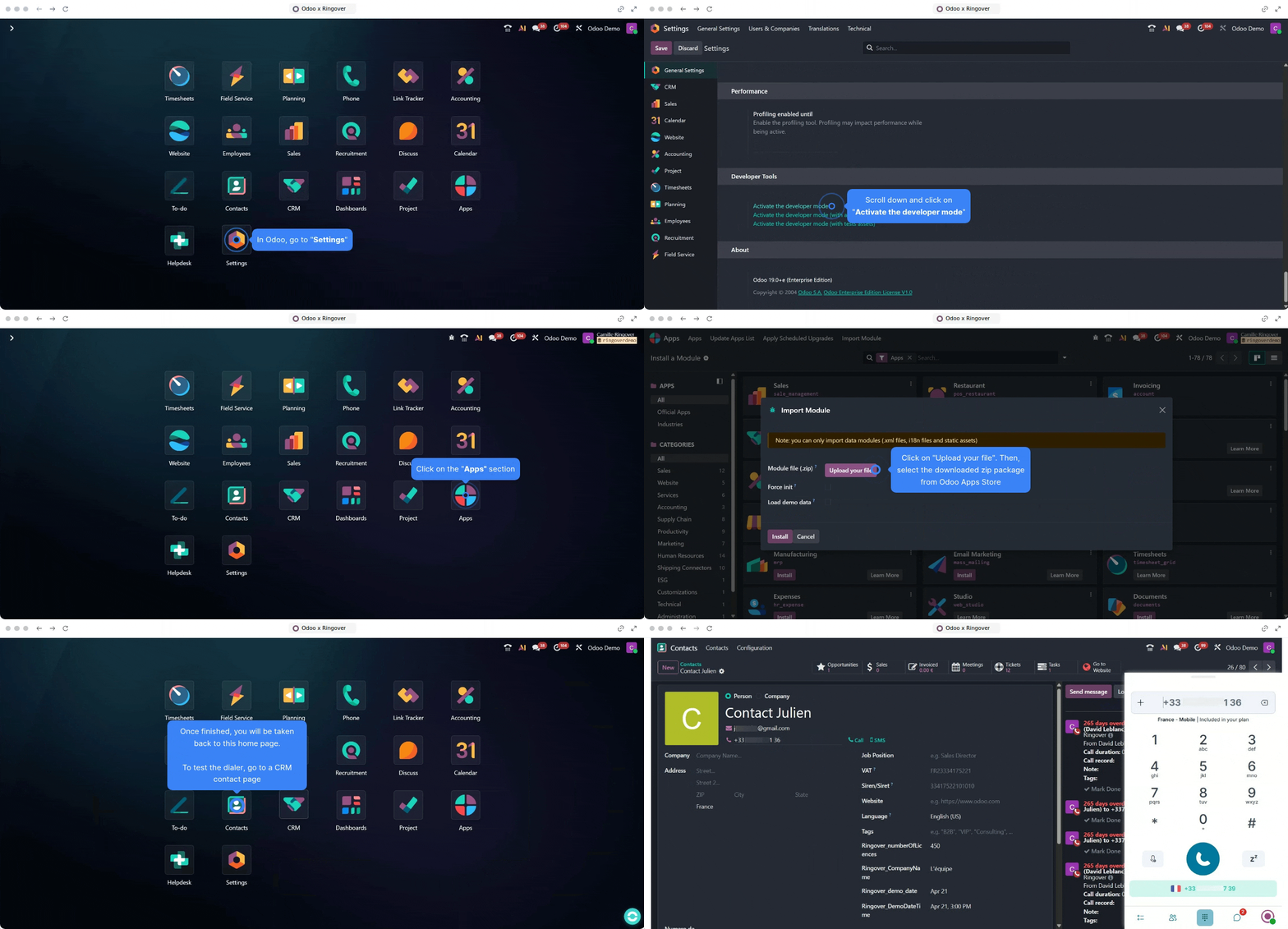
Odoo Online, Odoo Enterprise edition and on-premise installations
Follow the installation steps shown below.
Odoo.sh
Contact your Odoo technical representative to install the module.
3. Open the dialer and make calls
- Click the Ringover app button to open the dialer.
- Allow microphone access when prompted during your first use.
- Log in with your Ringover credentials.
- Click a phone number in Odoo to start an outbound call.
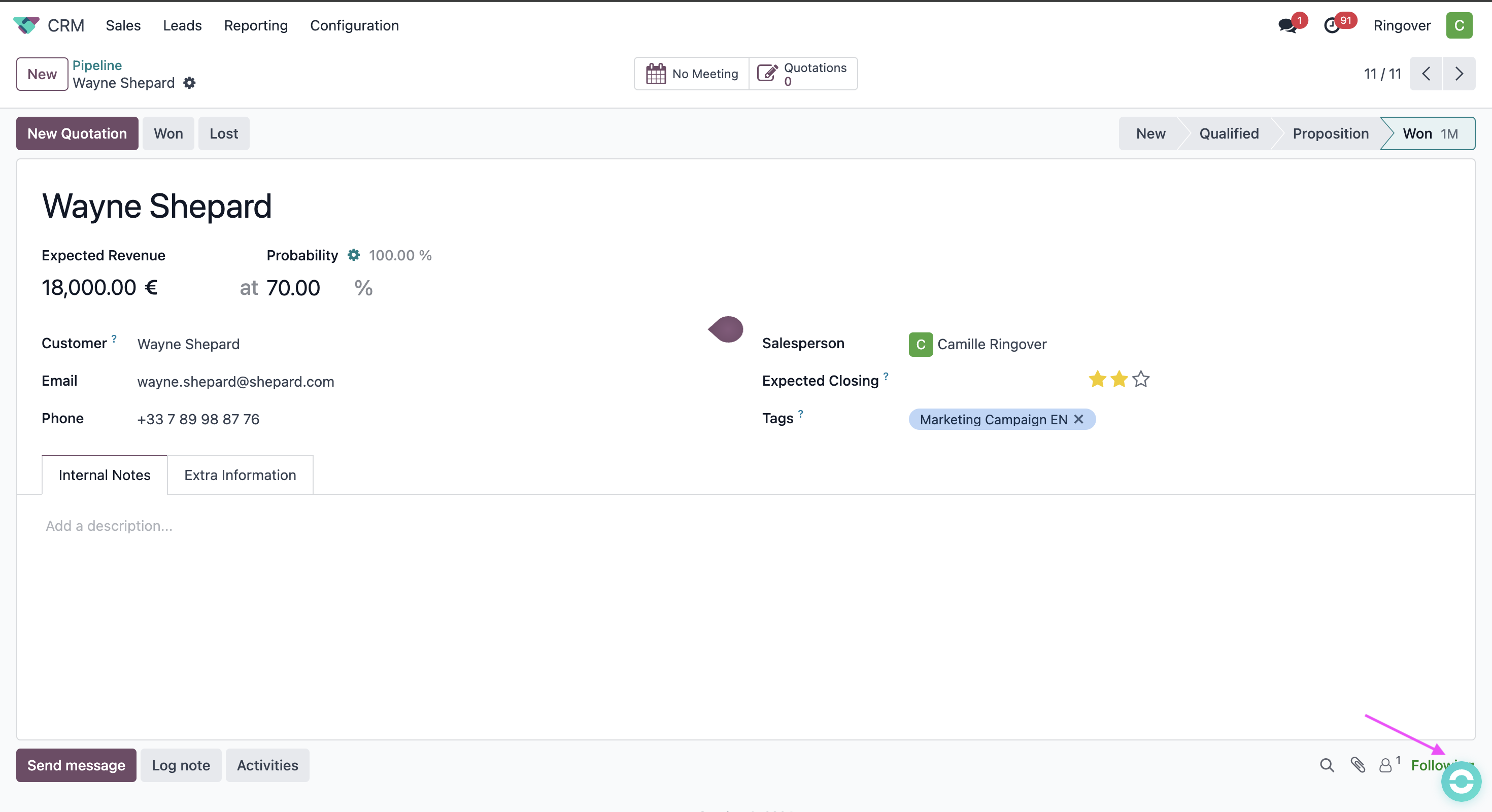
The dialer also supports inbound calls. Contacts appear in the dialer once contact synchronisation is enabled.
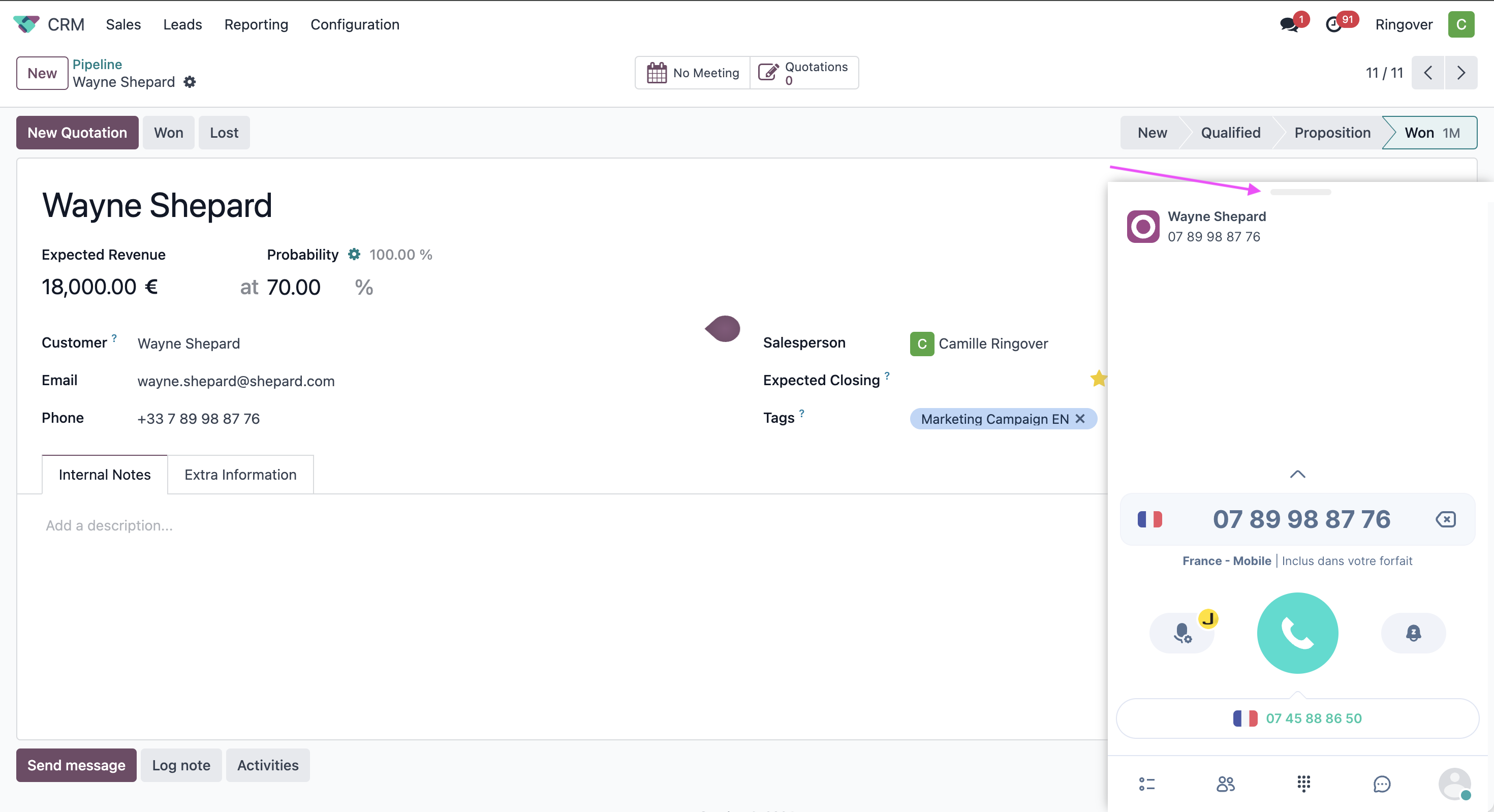
Close the dialer
The visual below shows how to close the dialer.
FAQ
Why do I see two dialers?
You may also have installed the Ringover for Odoo Chrome extension. Use the Ringover Dialer app on its own; no additional component is required.
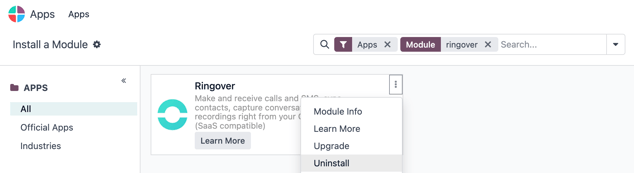
How do I uninstall the app?
- Go to Apps in Odoo.
- Search for Ringover.
- Click Uninstall.
You now know how to install the Ringover Dialer app and make and receive calls directly in Odoo.