
When you open the browsers Chrome or Firefox, you can set your Ringover Application to launch automatically. 🌐
1. On your web browser
Open your browser (Chrome or Firefox),
💻 Sign in to Ringover,
Right-click on the page tab and select “Pin”📌. The tab will then appear smaller, meaning that it has been corrected pinned.
2. On your Windows desktop
On your computer, search for the "Startup Apps" application,
Find Ringover and enable its launch at startup.

3. On your Mac desktop
Add the Ringover application to the startup applications:
Go to your Mac's general settings
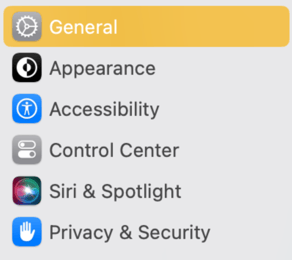
Select "Login items," then click on "+"

Go to applications, choose Ringover, and click on "Open"
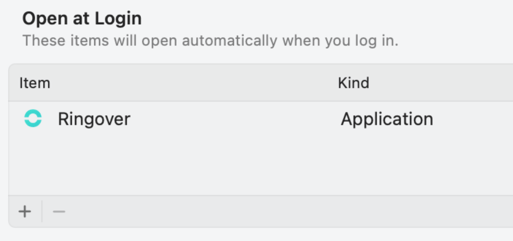
The next time your browser opens, it will automatically launch Ringover!