How to create a custom task reminder
Topics covered:
- About
- Steps to create a custom task reminder
About
Cadence permits to add a custom task reminder. It basically notifies users when a task is to be performed precisely a few times before it is scheduled to be started.
Steps to create a custom task reminder
To create a custom task reminder, you first need to create a custom task.
- Check out our article on the custom task creation process to learn how to get started.
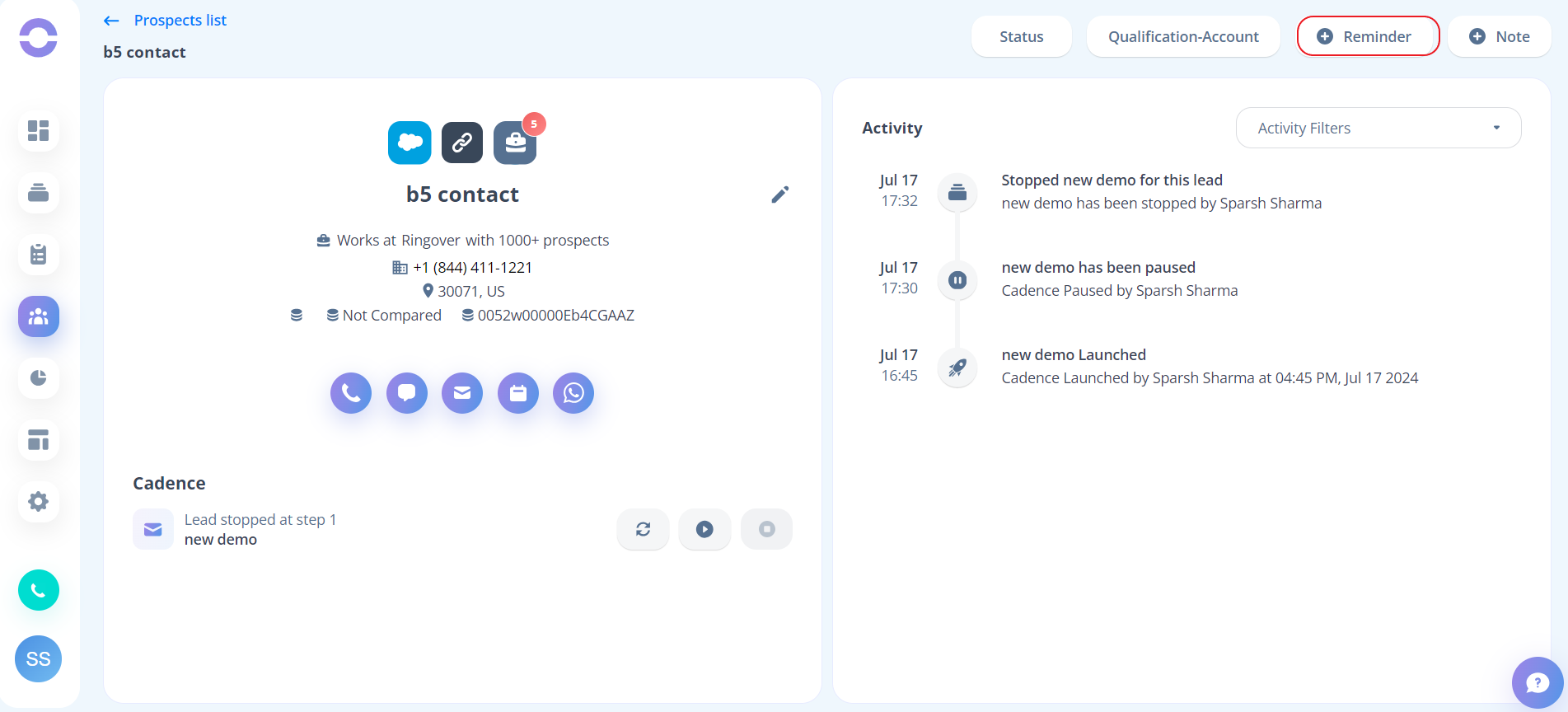
You can now add a reminder to a custom task that you have successfully created.
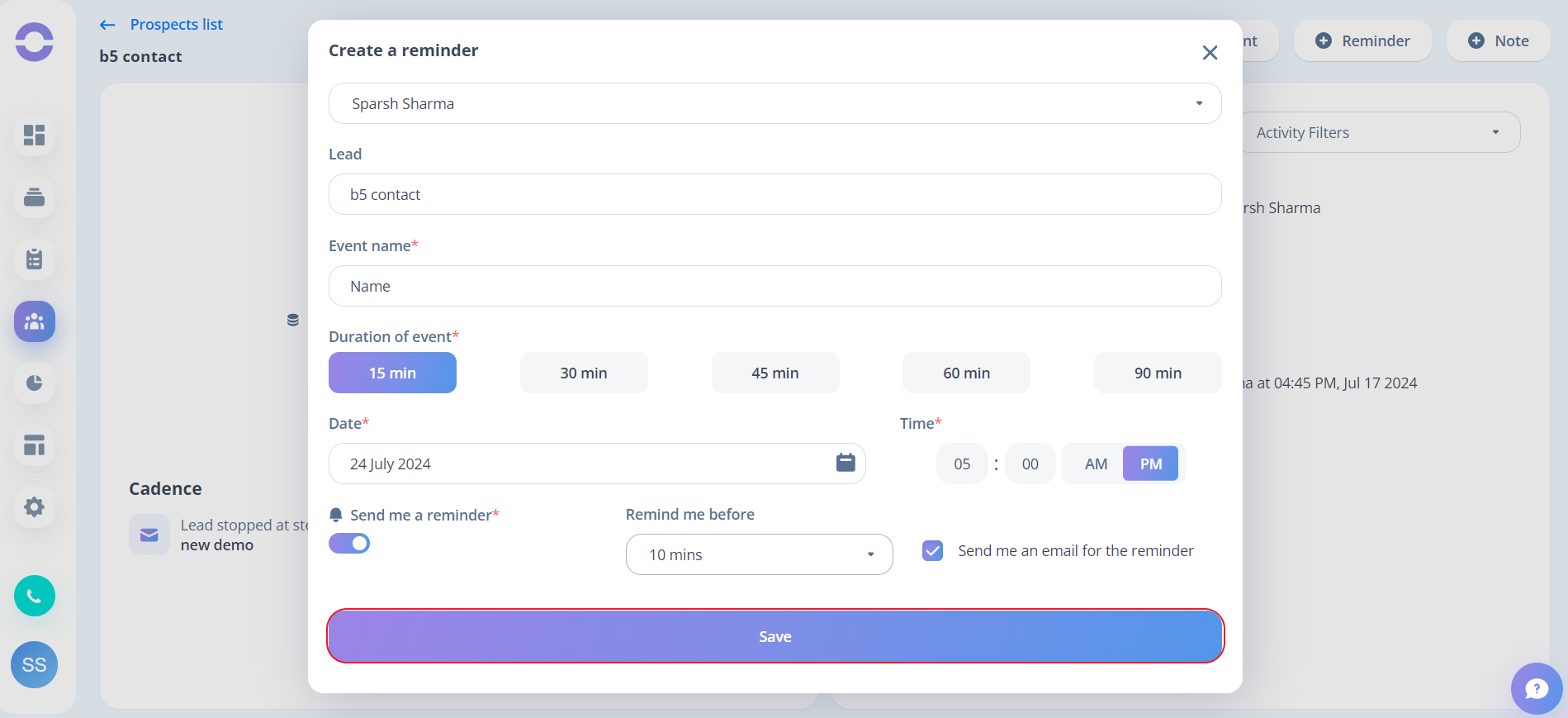
- Step 1: To set a custom task reminder, you need to toggle this button on, and it will enable the related options:
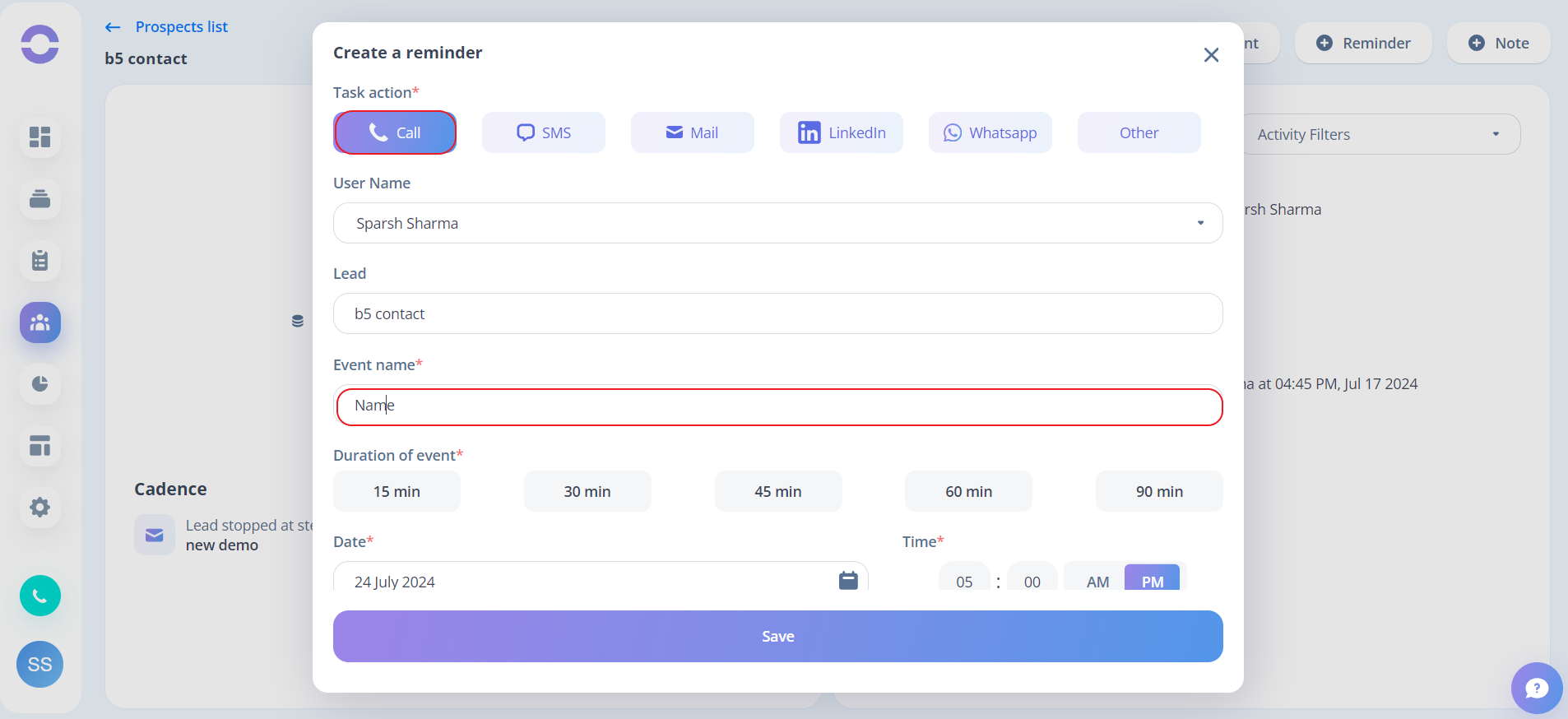
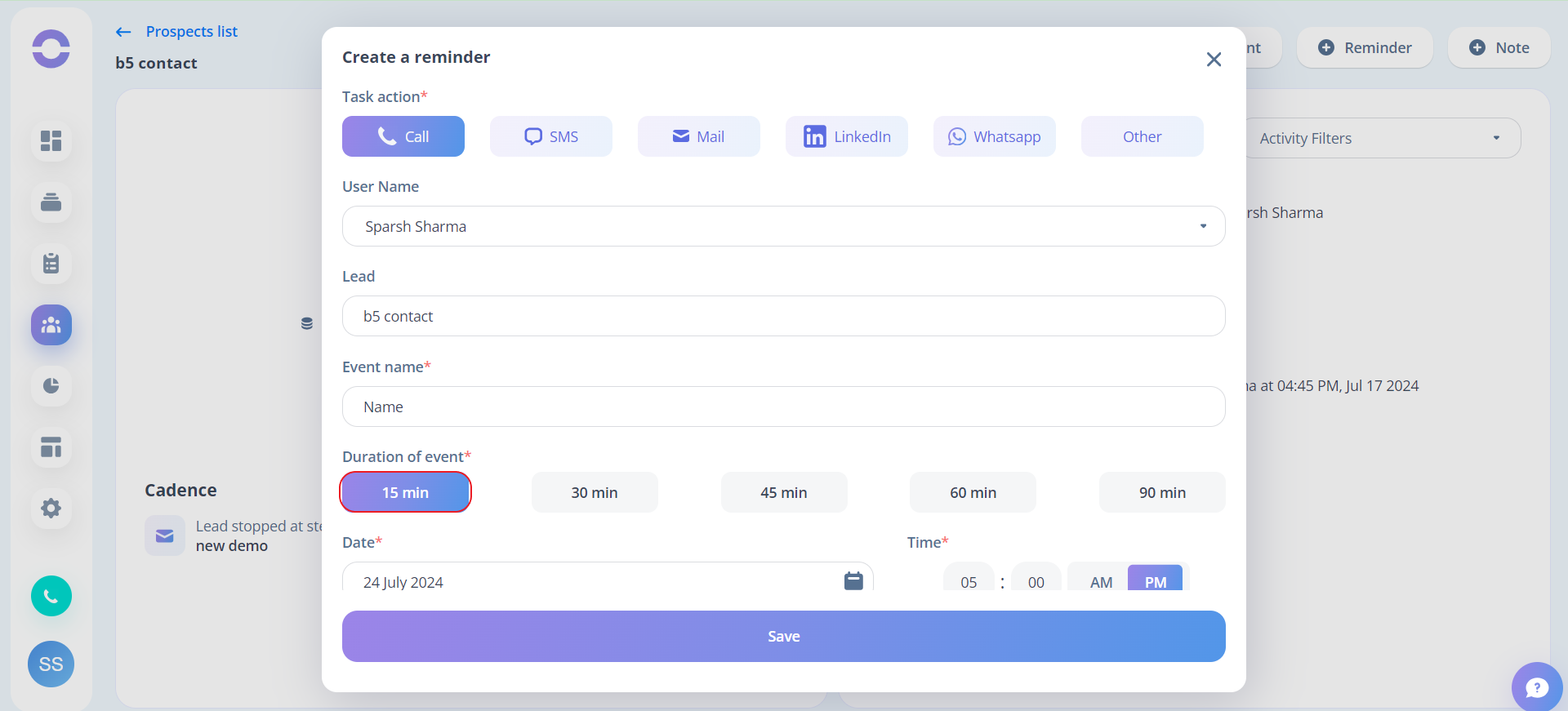
- Step 2: Next up, select the task type and give name. after that you need to select the time that you would like to get a reminder before the task begins from the drop-down. The available alternatives are shown in the picture
- Step 3: To get a reminder in your mail for the task, you can click on the check box.
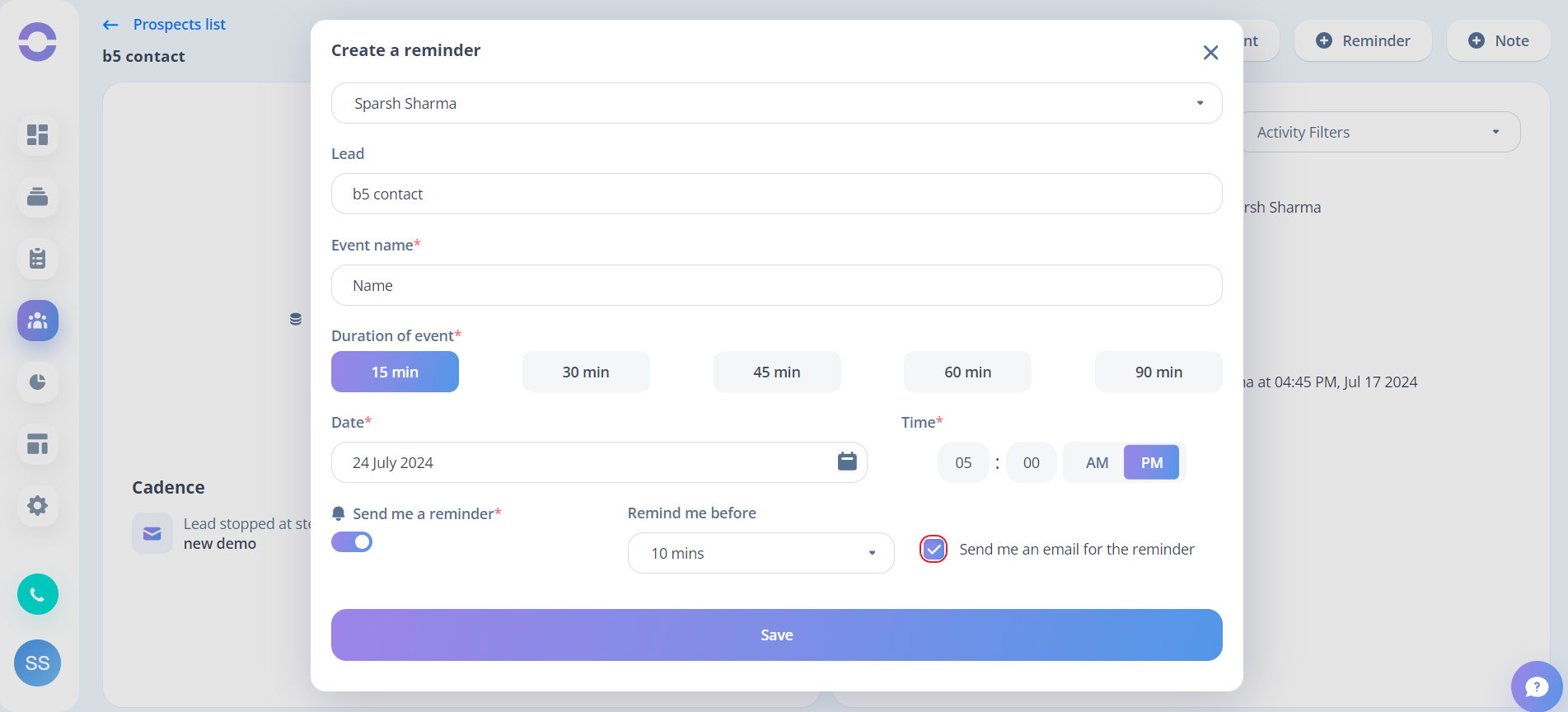
- Step 4: After configuring the reminder, click Save to activate it.