
Prerequisites: The script should be created from the Script page.
Here is a step-by-step guideline for importing a script template in the Cadence steps:
1. If you want to import a script template in an existing cadence:
-
In the cadence steps, select the edit button
-
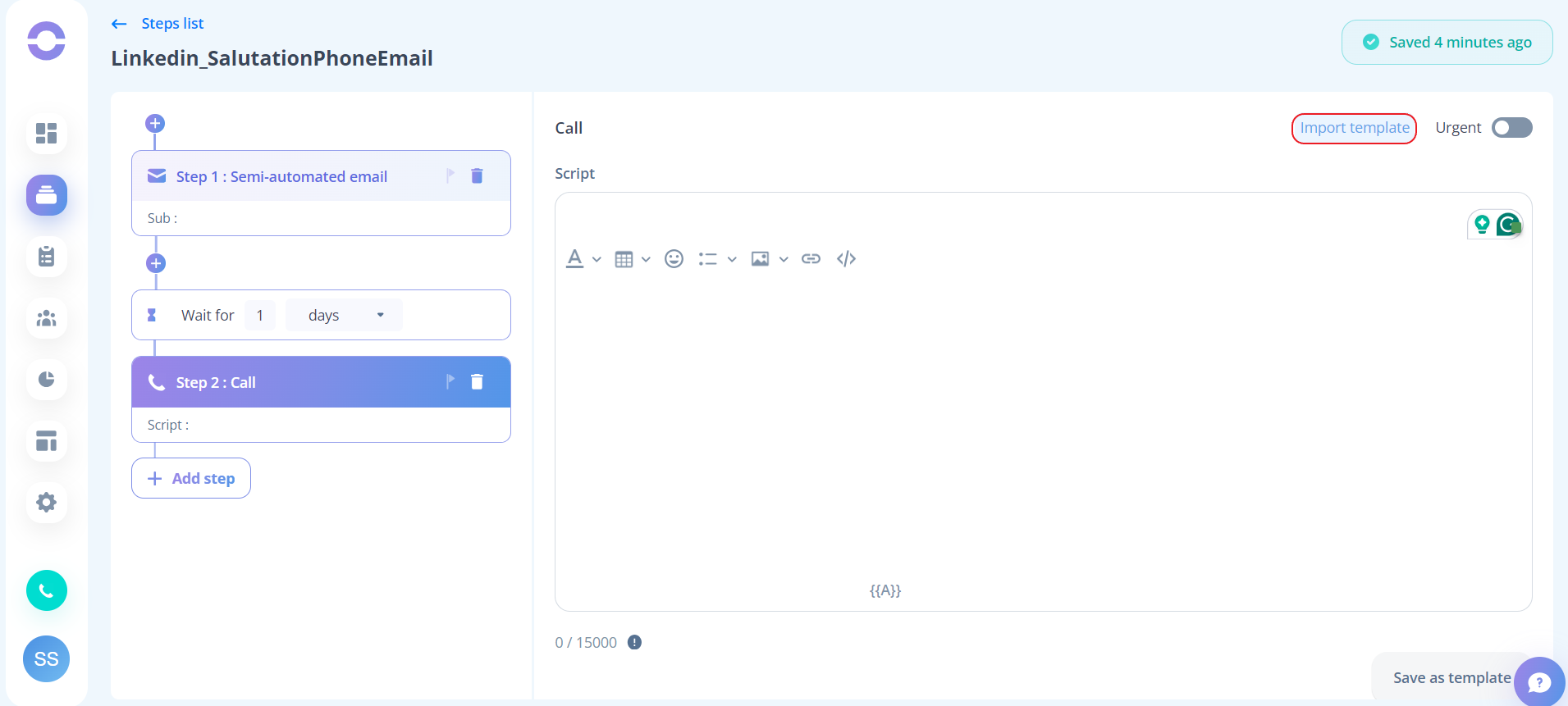
In the step where you want to use the script template, click on the import template button
-
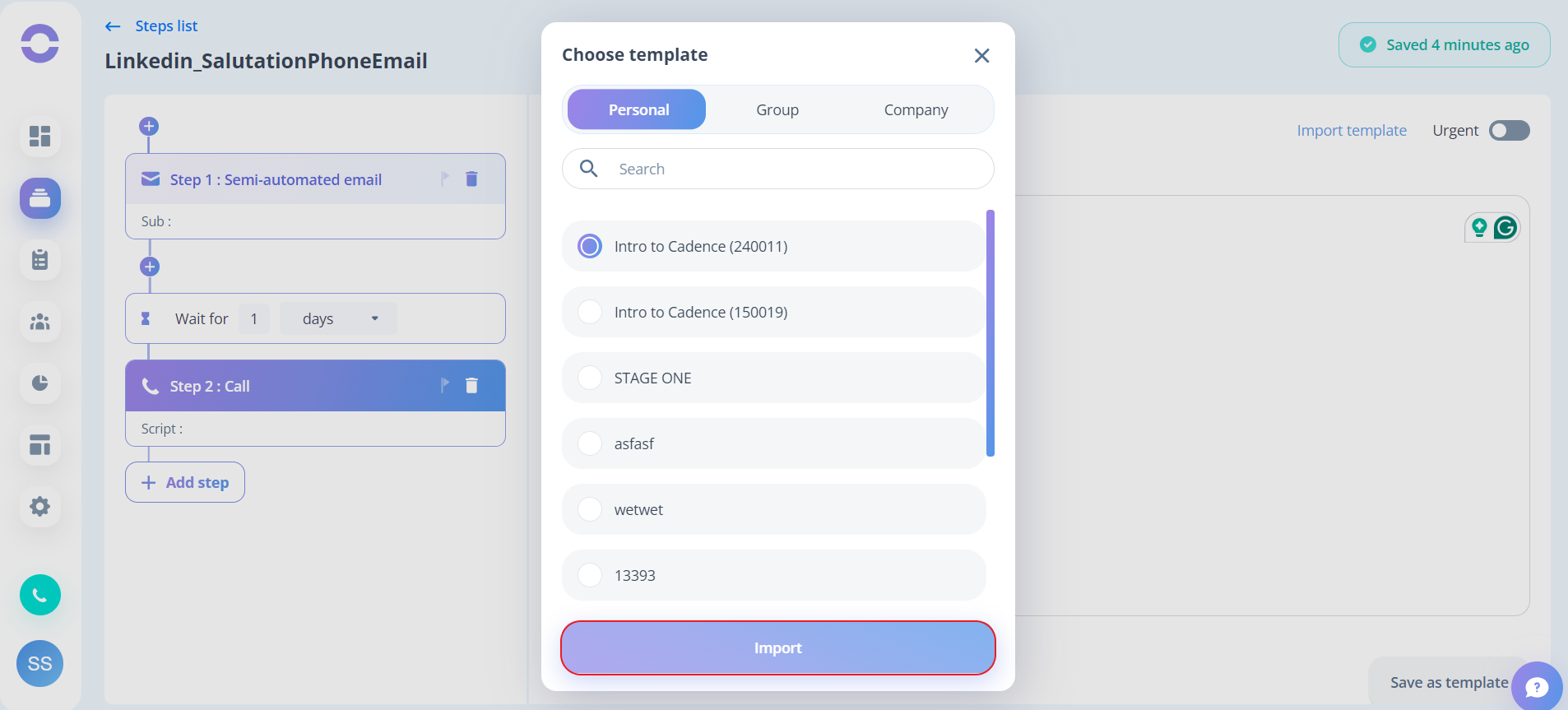
Choose the script template you want to import and click on it
-
Click the Import button
2. If you want to create a new cadence:
-
Click on the New Cadence button
-
Follow the steps to create a new cadence
-
In the step where you want to use the script template, click on the import template button
-
Select the appropriate script template and click on it
-
Click the Import button
Remember to follow these steps carefully to ensure that you are able to import the script template correctly.