
After subscribing to the “Omnichannel Communication” add-on in your Add-ons section, you will gain access to features that allow you to connect the following channels.
📩 SMS
- Access all your conversations by opening the messaging icon located to the right of your logs.
👉 There, you will find all your communication channels: SMS, One-Way, Chat, WhatsApp, Messenger, Instagram, and Google Reviews.
Tap “Write a SMS” at the bottom right.
Tap and send your message.
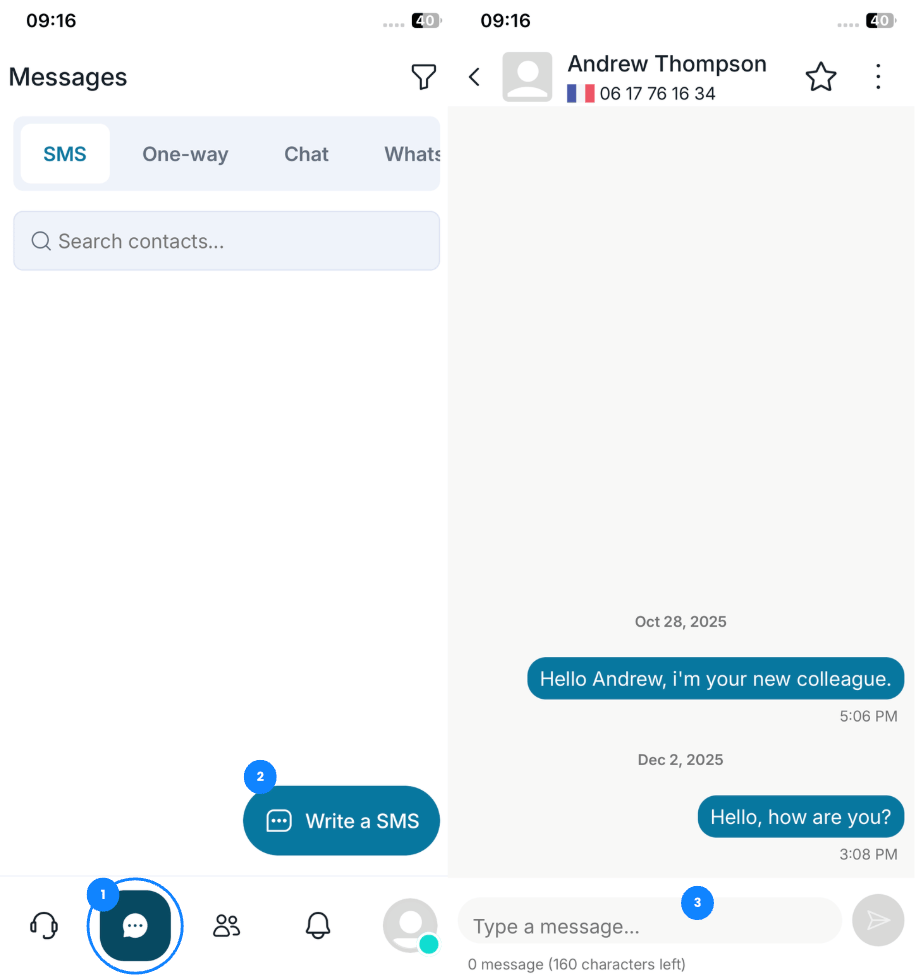
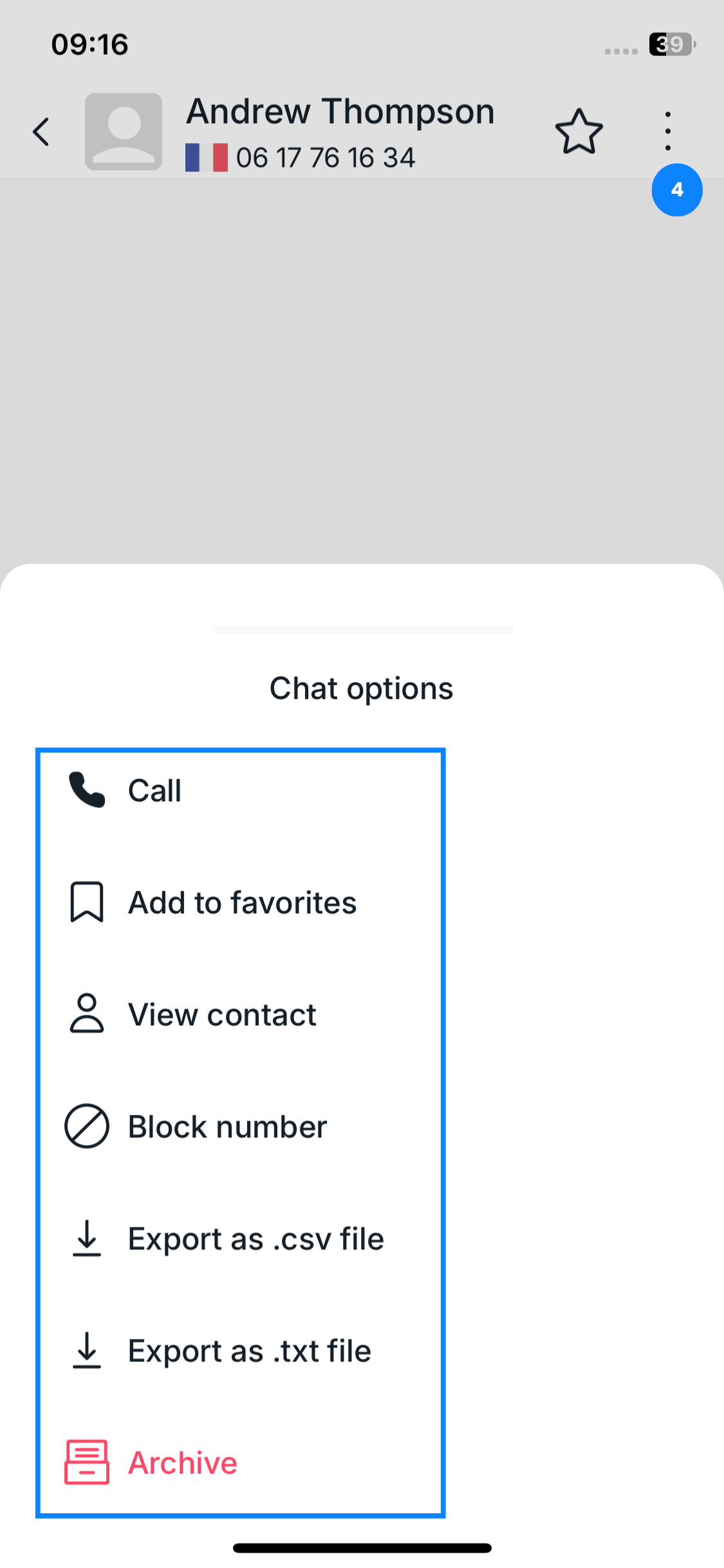
4. By tapping the three dots in the top right corner, you can access the following options:
Call
Add to favorites
View contact
Block number
Export as CSV and/ or as .txt
Archive the conversation
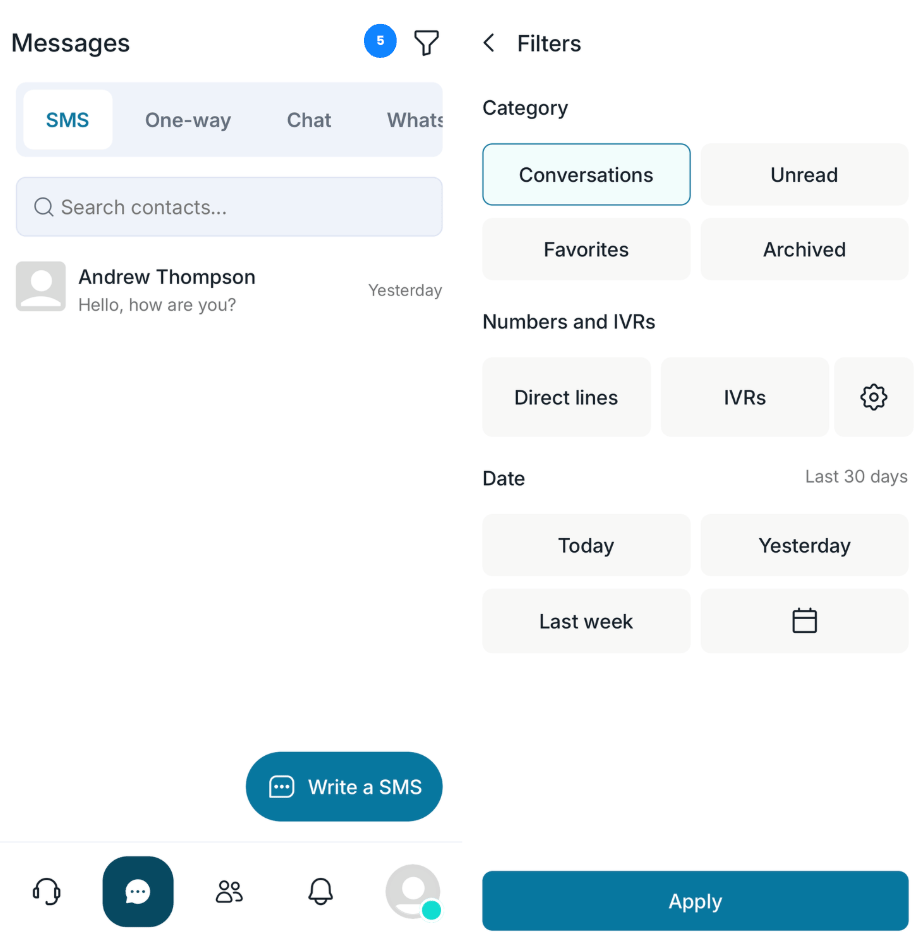
5. You can also use filters to easily locate your SMS conversations.
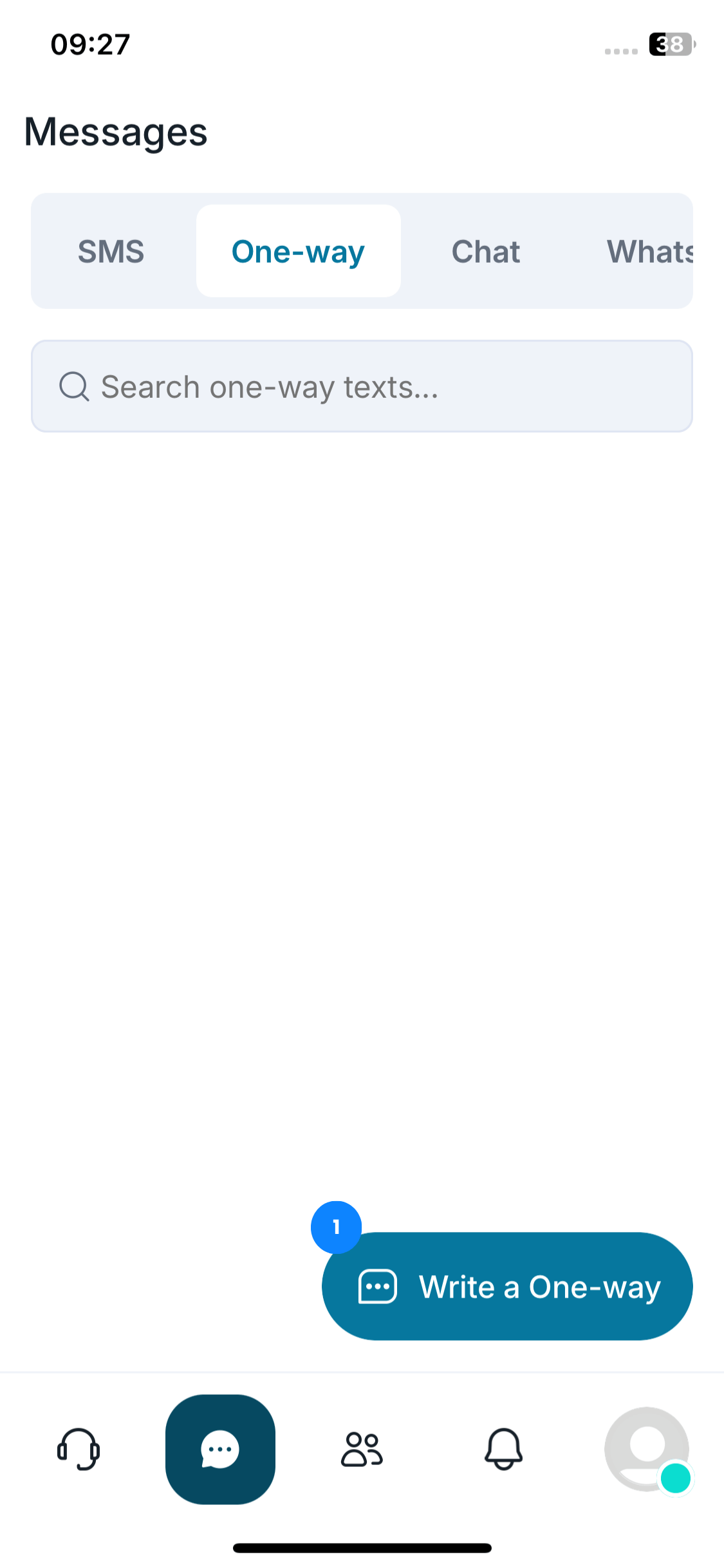
🔔 One-Way / SMS Notification
-
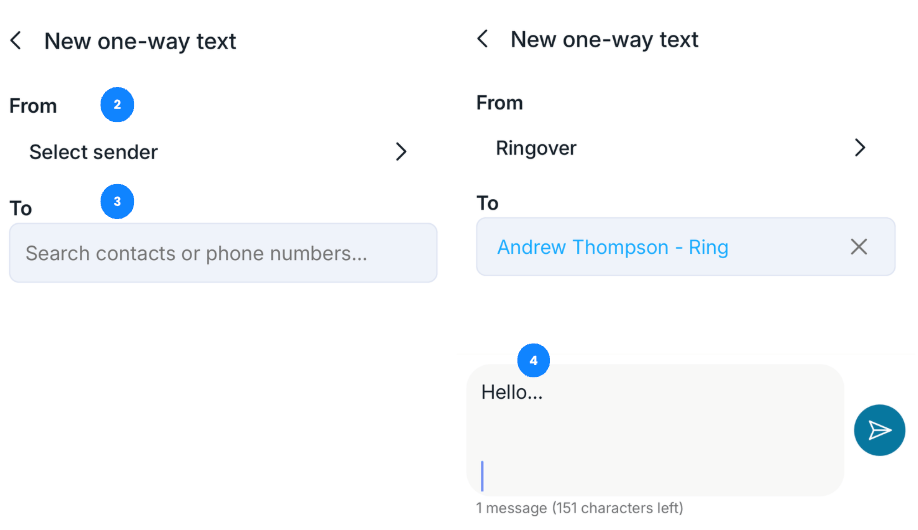
Tap “Write a One-Way”.
Select the sender.
Search for your contact.
-
Tap and send your SMS notification.
-
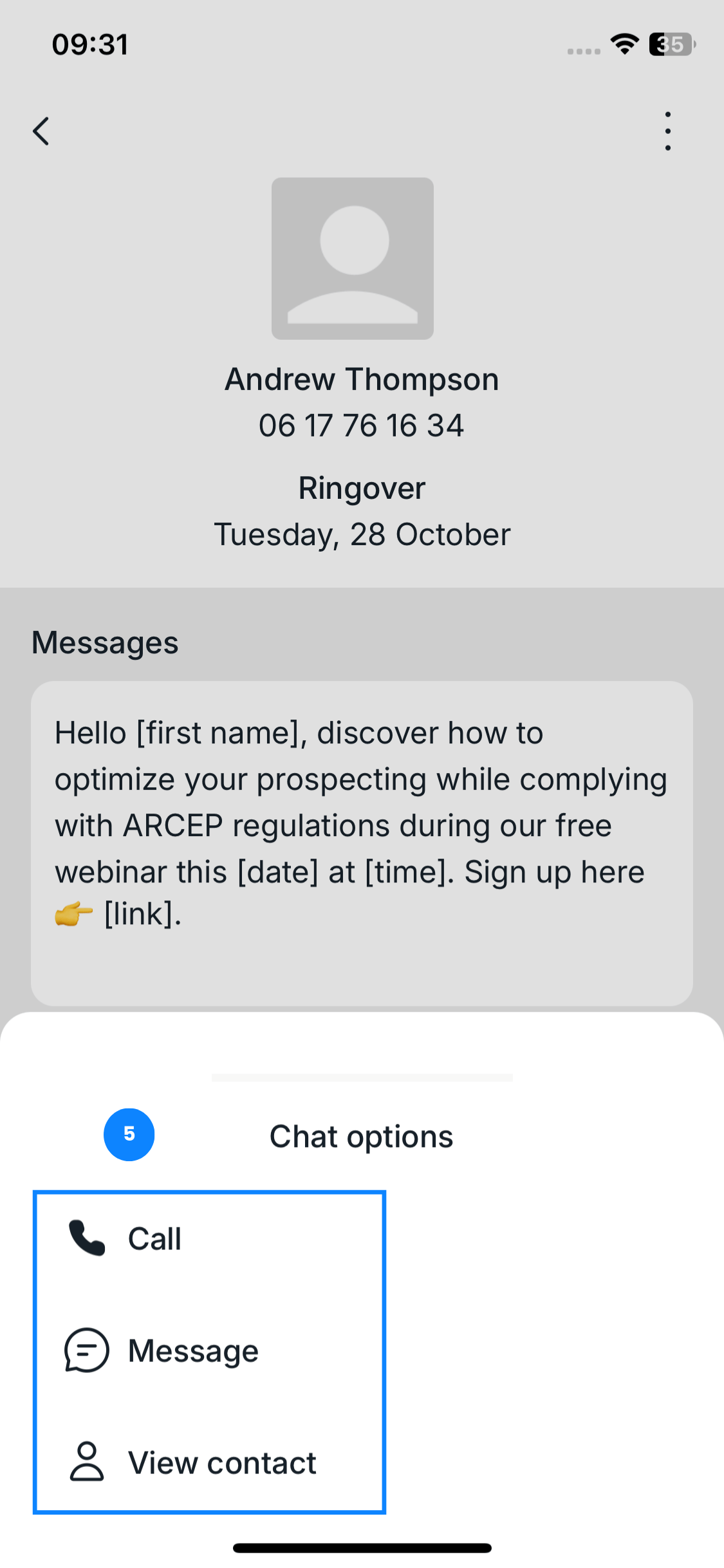
By tapping the three dots, you can:
Call this number
Write an SMS
View contact information
💬 Chat
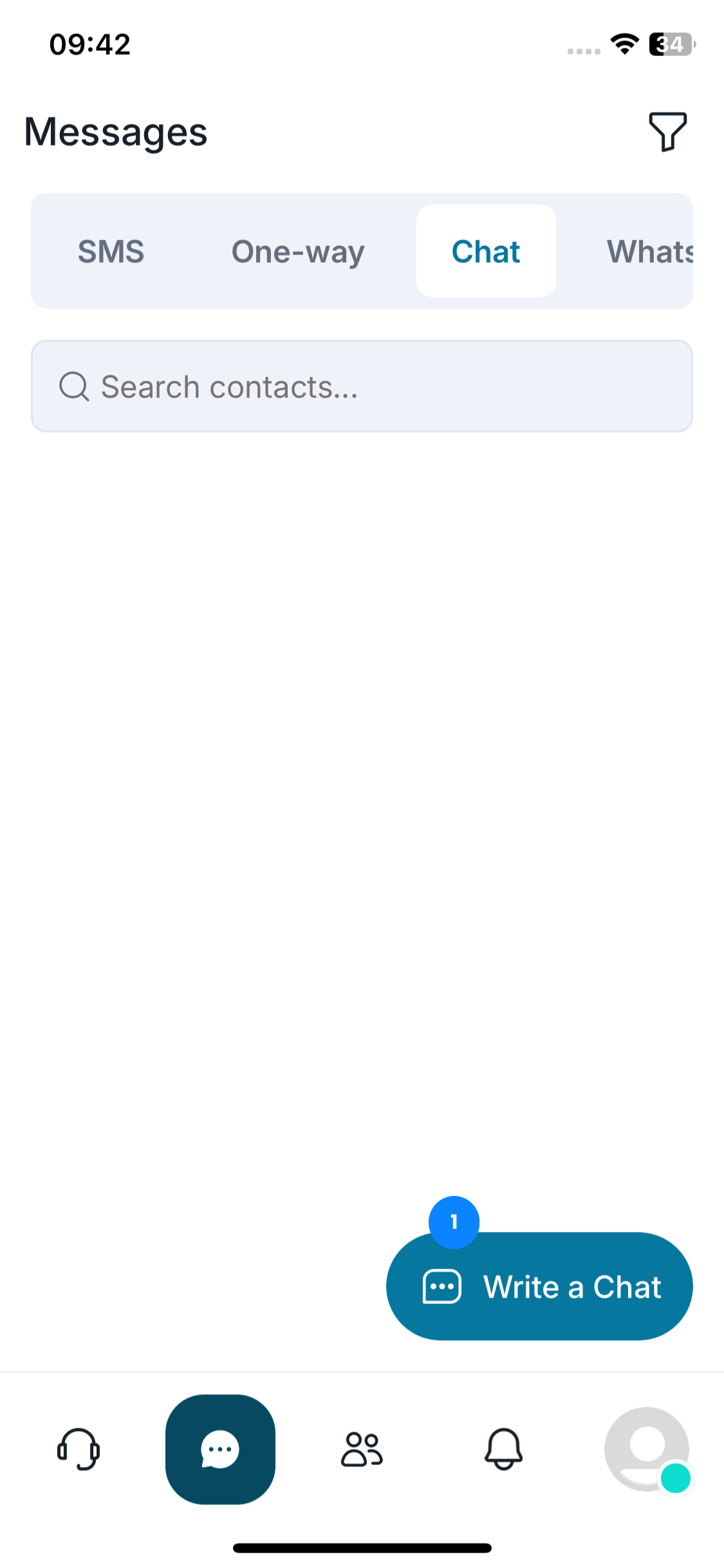
Tap “Write a Chat”.
-
Enter the group name.
Search for or select the group members.
- Tap “Create”
-
Tap and send your message.
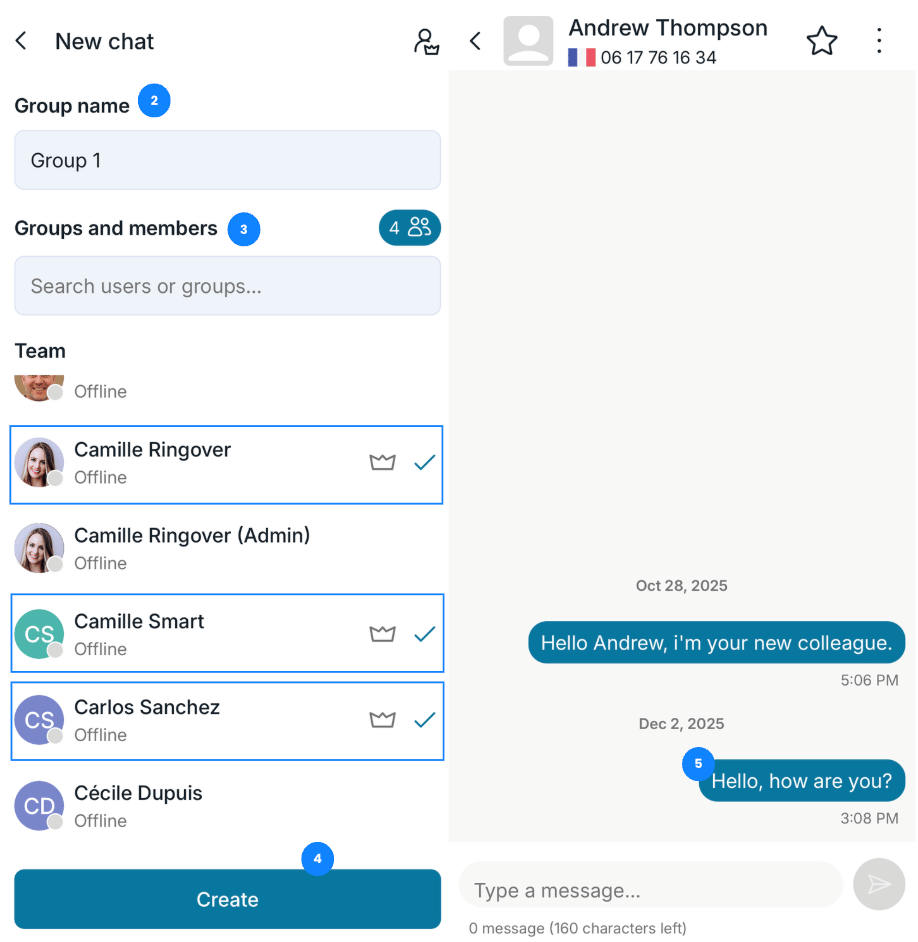
You can set the actions of group members.
-
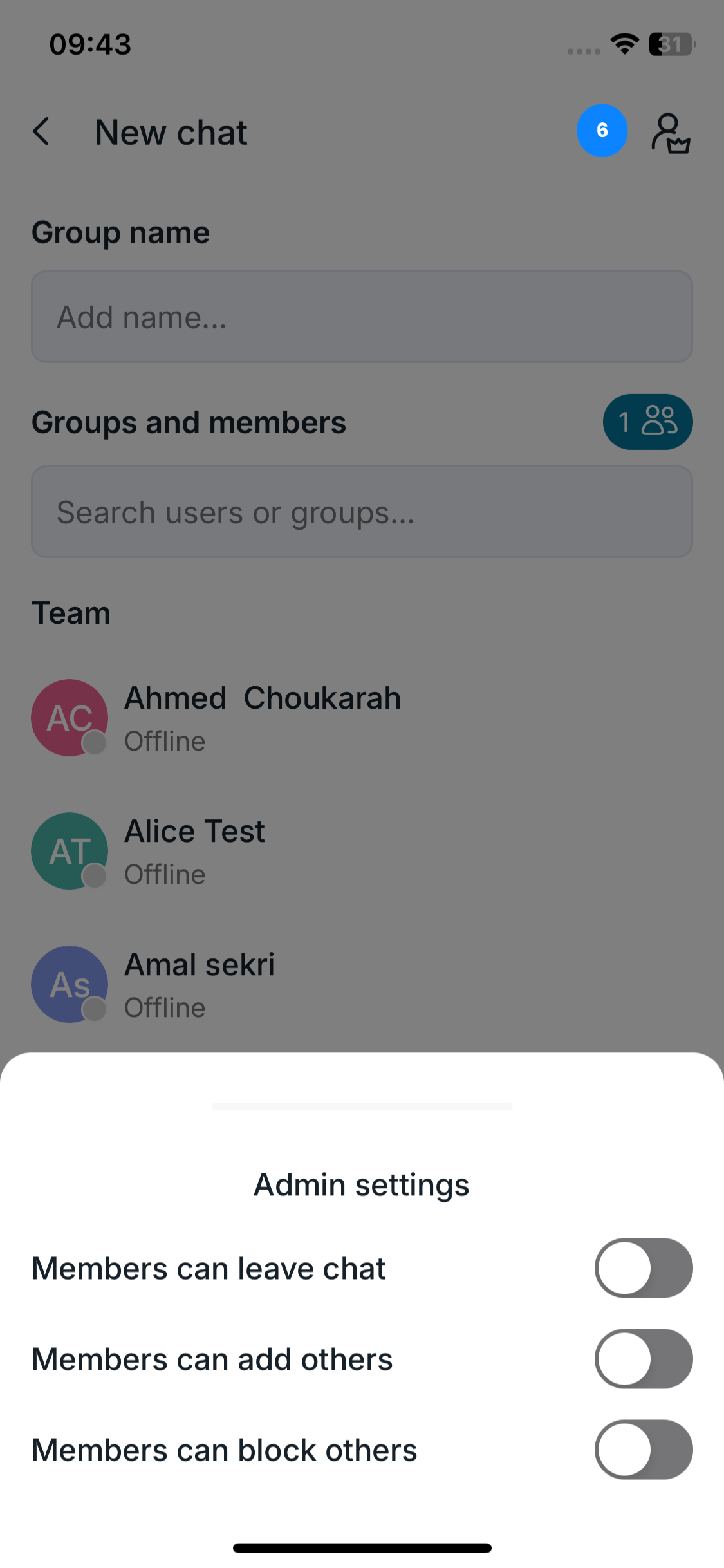
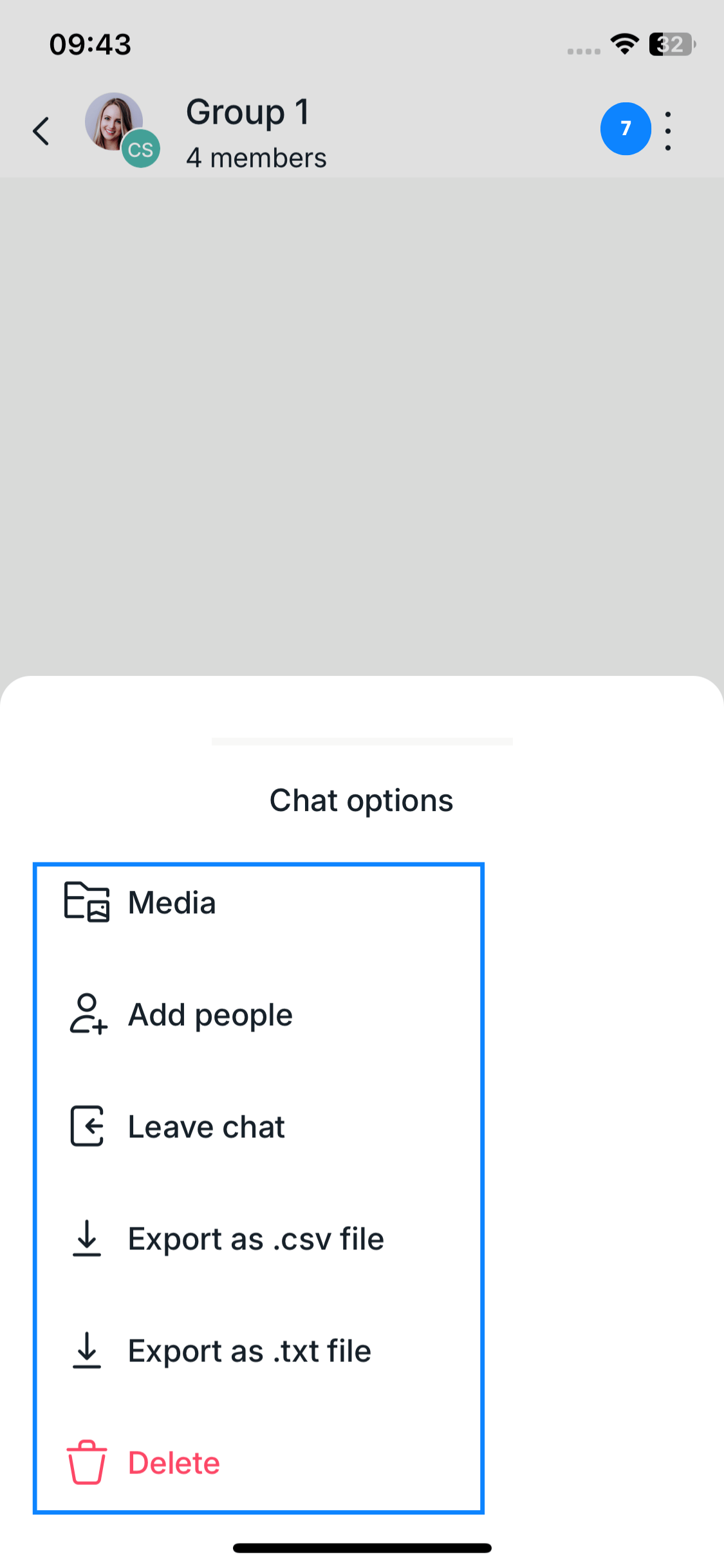
Options available through the three dots:
Add media
Add more people
Leave the conversation
Export as CSV and / or as a .txt
Delete the chat
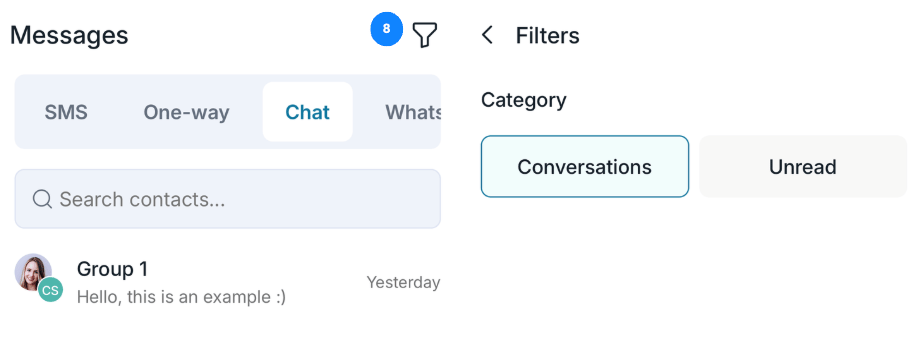
8. You can also use filters to find your group conversations more easily.
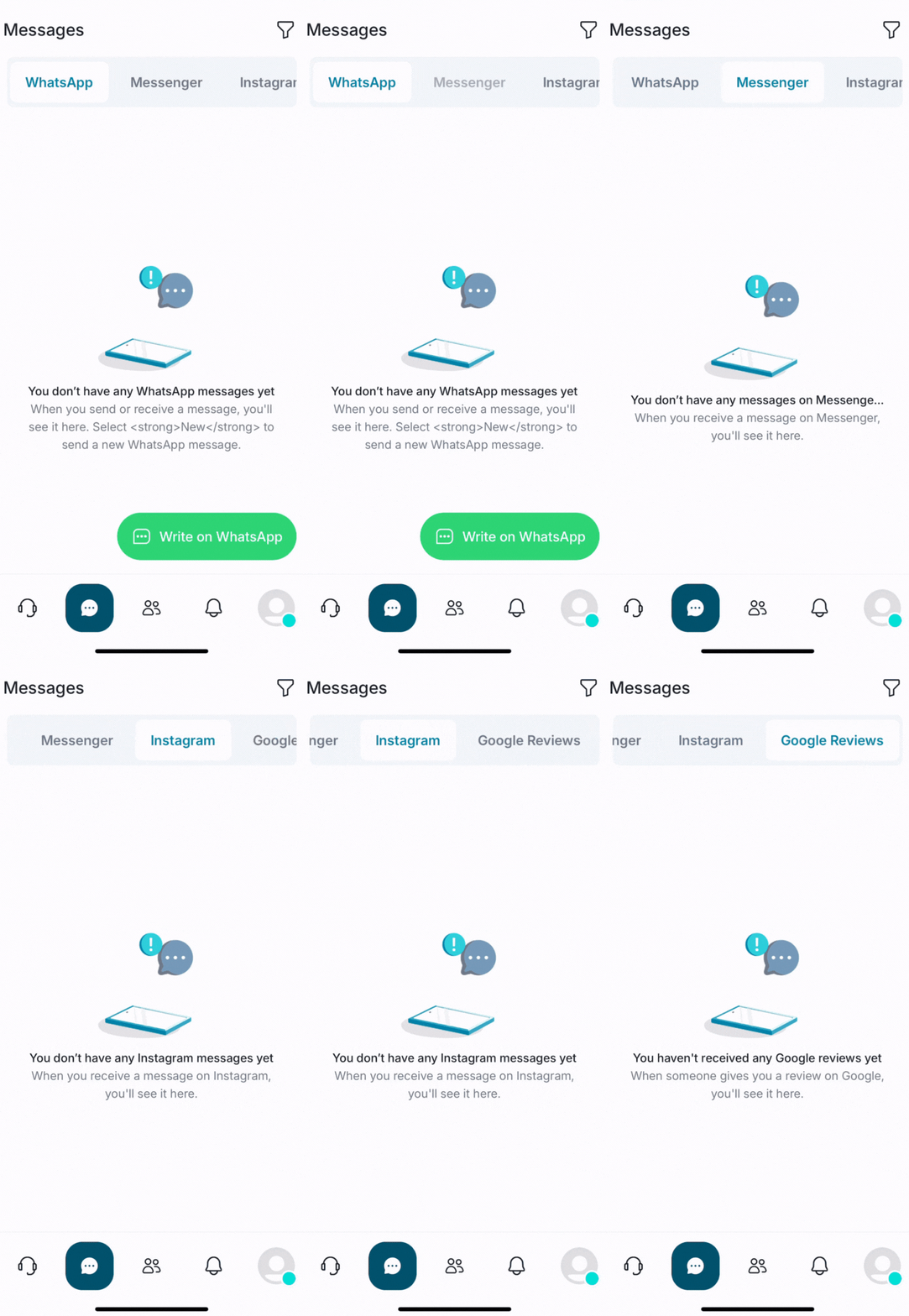
🌐 WhatsApp, Messenger, Instagram & Google Reviews
To send messages via these channels, you must first connect your account to your omnichannel space.
Requirements
- You need a verified WhatsApp Business account. You can check whether it is certified here. For more information on certification, click here.
- The request may take between 48 and 72 hours to process.
- Here are the details of each integration: How to connect and use your Omnichannel Add-on