
This integration is developed by Atlas CRM.
This guide explains how to connect your Ringover account with Atlas CRM to enable call logging.
Prerequisites
Before starting, make sure that:
- You have an active Ringover account
- You have admin access to your Atlas CRM workspace
- You have access to your Ringover API key
Step 1: Retrieve your Ringover API key
- Log in to your Ringover dashboard
- Go to Settings
- Navigate to Integrations > API

4. Click on “Create an API key”.
Under Rights, turn on all toggles (they must be blue) so every segment is enabled (Atlas does not use all of them yet, but this makes future integrations effortless):

Step 2: Provide the API key to Atlas
Next, in Atlas navigate to the Settings page by clicking the cogs icon located at the bottom left of your screen. From there, click on "Company Settings" and then go to the "Integrations" section (or just click here).

Paste your API code and hit authenticate!
Once validated, a Webhook key will be generated
- Copy the Webhook key

-
Paste the Webhook key into the corresponding field (if not already auto-filled)
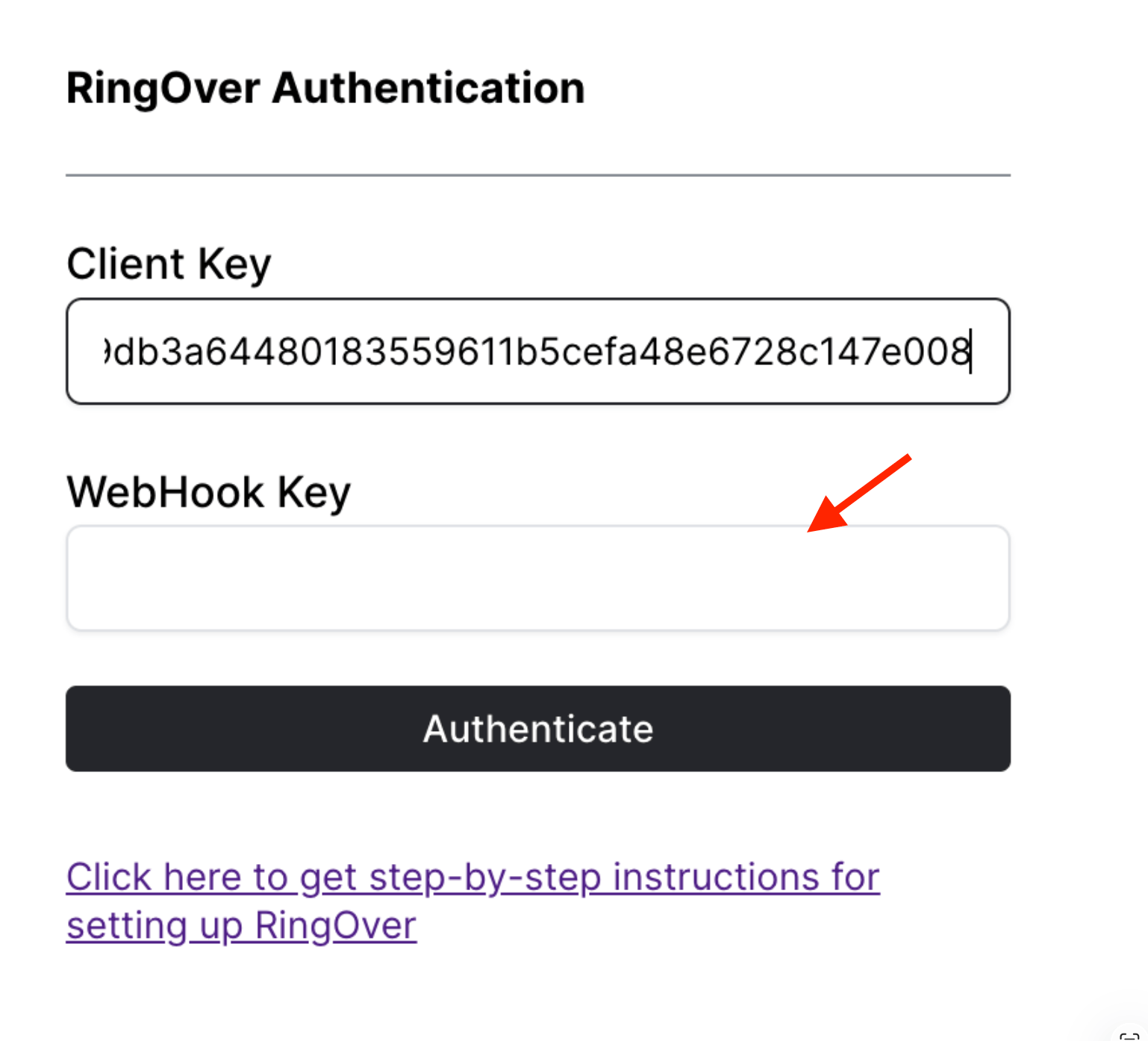
- Click Authenticate again to complete the connection
⚠️ Important:
The connection requires two validations:
- First after entering the API key
- Second after adding the Webhook key
Step 3: Assign phone numbers to users
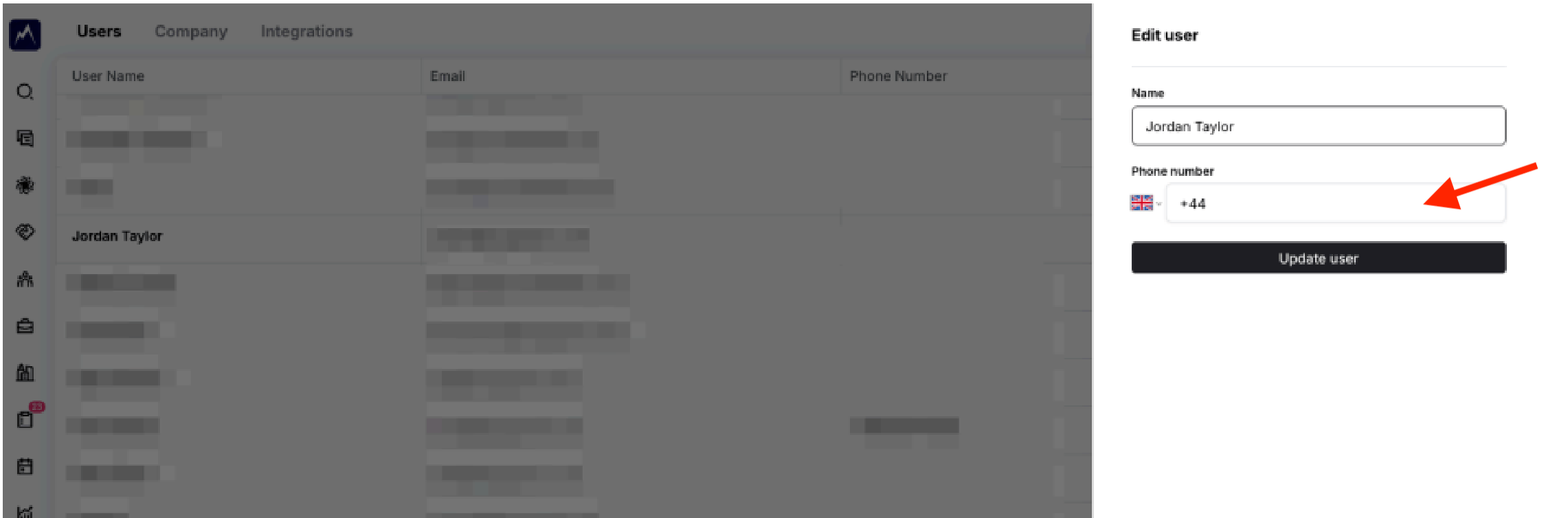
To ensure calls are properly logged, each user must have their Ringover number configured in Atlas.
- In Atlas, go to Configure profile
- Add your Ringover phone number to your user profile
- Hit update
⚠️ Important:
Phone numbers must be added in the Configure profile section (not in the general phone numbers settings).
What to expect after setup
Once the integration is active:
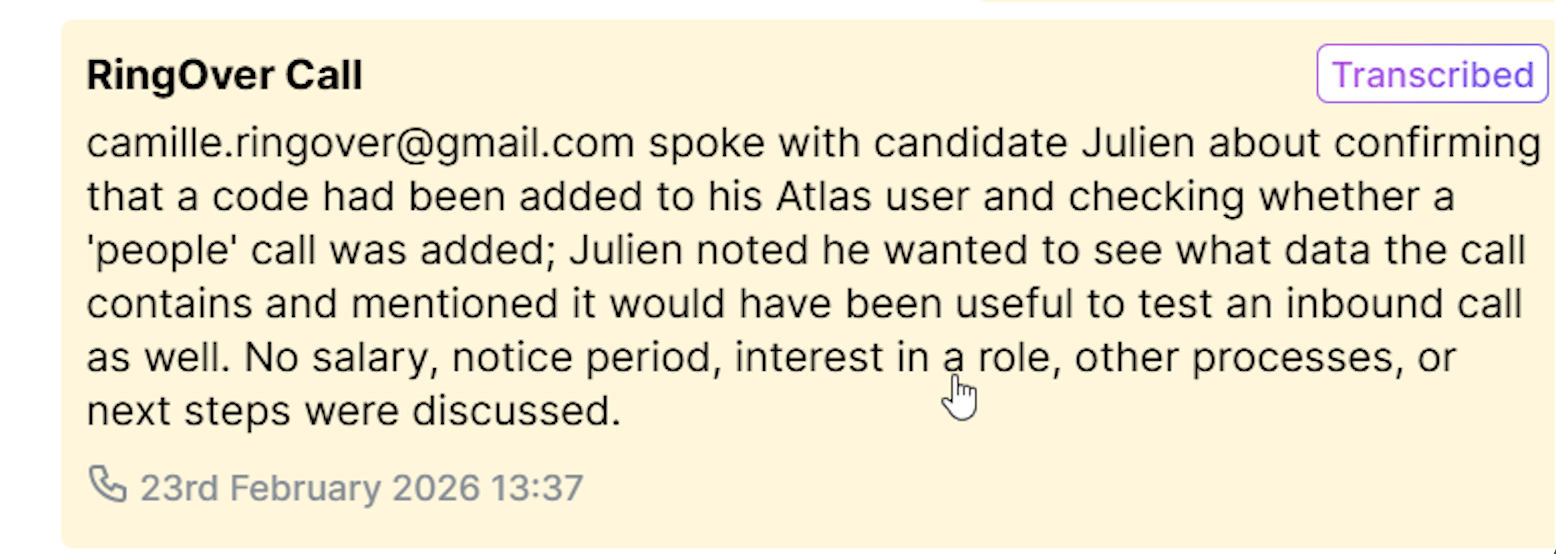
- ✅ Logged calls are included in the timeline of interactions with the candidate
-
Along with our AI generated summary
Limitations
Currently, the integration has the following limitations:
- Call notes and tags are not synced to Atlas
- Audio recording and transcript links are not available in Atlas (no links)
- SMS and WhatsApp messages are not synced to Atlas